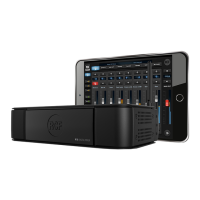
Switch on the M 18 through the Power Switch (n° 5. In the back panel view). A white light on the front panel, just under
the RCF logo will confirm that the M 18 is on.
2. A Wi-Fi network with SSID called M 18-xxxxxx will appear in the available network list (xxxxxx is an alphanumeric
string related to the internal MAC address).
3. Select the M 18 Wi-Fi network.
4. No password is requested by default.
5. Wait for the connection (typically five to ten seconds).
6. Now, launch the MixRemote application.
7. If MixRemote app. is already open in background, M 18 will be connected as soon as the application is moved to
foreground.
Connect your M 18 Digital Mixer to your iPad for the first time
1. On your iPad open the Configuration > Wi-Fi page.
Please notice that if you have modified the Wi-Fi settings (SSID name, password, etc..) the connection procedure may vary.
IMPORTANT: to obtain best connection performances avoid to place anything over the M 18’s top cover. Do this will
interfere with the internal antenna reducing Wi-Fi connection range and reliability. For best Wi-Fi connection performances
please always connect the provided external antenna and select your country on MixRemote App. SETTINGS > NETWORK
section.


 To Next Page
 Loading...