Technical support: www.real-el.com
1
ENG
User’s Manual
FOR GAMING MODES AND CUSTOMIZED BUTONS
Gaming modes (FN + 1-8 butons):
• preset – 1 (FPS)/2 (CF)/3 (COD)/4 (RTS)/5 (LOL)/6 (CR)/7 (NBA)/8 (LOLs)*;
• customized – FN + 9 or 0.
Settings for customized modes:
• FN + 9 (CS) or FN + 0 (CS) – for choosing required custom record;
• FN + HM – recording backlit keys;
• FN + END – saving;
• FN + INS – different backlit changing; (Mode switching, sequence are as mentioned above)
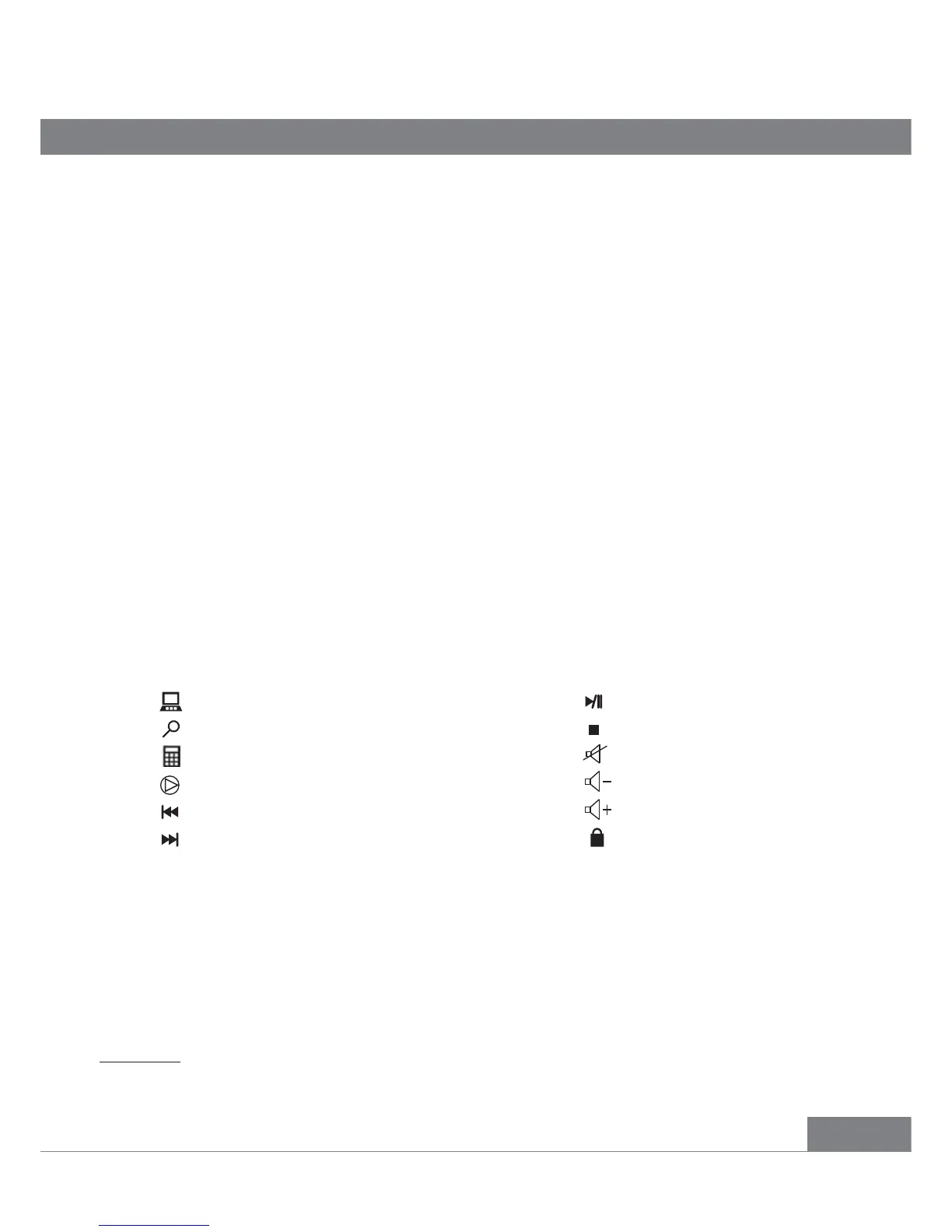
Fn + F7 Play/Pause
Fn + F8 Stops playing the media
Fn + F9 Mutes the sound volume
Fn + F10 Volume down
Fn + F11 Volume up
Fn + F12 Lock the whole keys
Fn + F1 Open My computer
Fn + F2 Opens the Internet Search panel
Fn + F3 Starts/Closes calculator
Fn + F4 Turns on multimedia player
Fn + F5 Switches to the previous media track
Fn + F6 Switches to the next media track
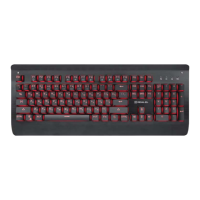
Congratulations on purchasing the ТМ REAL-EL keyboard!
Please read this User’s Manual before using the unit and retain this User’s Manual in safe place for
future reference.
COPYRIGHT
© 2017. ENEL GROUP OU.
This Manual and information contained in it are copyrighted. All rights reserved. All trademarks are
the property of their legal holders.
PACKAGE CONTENTS
• Keyboard – 1 pc
• User’s Мanual – 1 pc
• Warranty card – 1 pc
SPECIAL FEATURES
• Metal base
• Programmable backlight game modes
• Full backlit with extra light effects
• Reliable mechanical switches
• 12 Fn shortcut buttons to Windows, Internet and Multimedia applications
INSTALLATION
• Connect the keyboard to an available USB port of your PC.
• Installation of the keyboard is automatic after its connection to a PC USB port.
DESCRIPTION OF SHORTCUT BUTTONS FUNCTIONS
*FPS – First-Person Shooter, CF – Cross Fire, COD – Call Of Duty, RTS – Real-Time Strategy, LOL – League Of
Legends, CR car rose, NBA – National Basketball Association, LOL simple – League Of Legends Simple.
M15 Backlit


 To Next Page
 Loading...