8
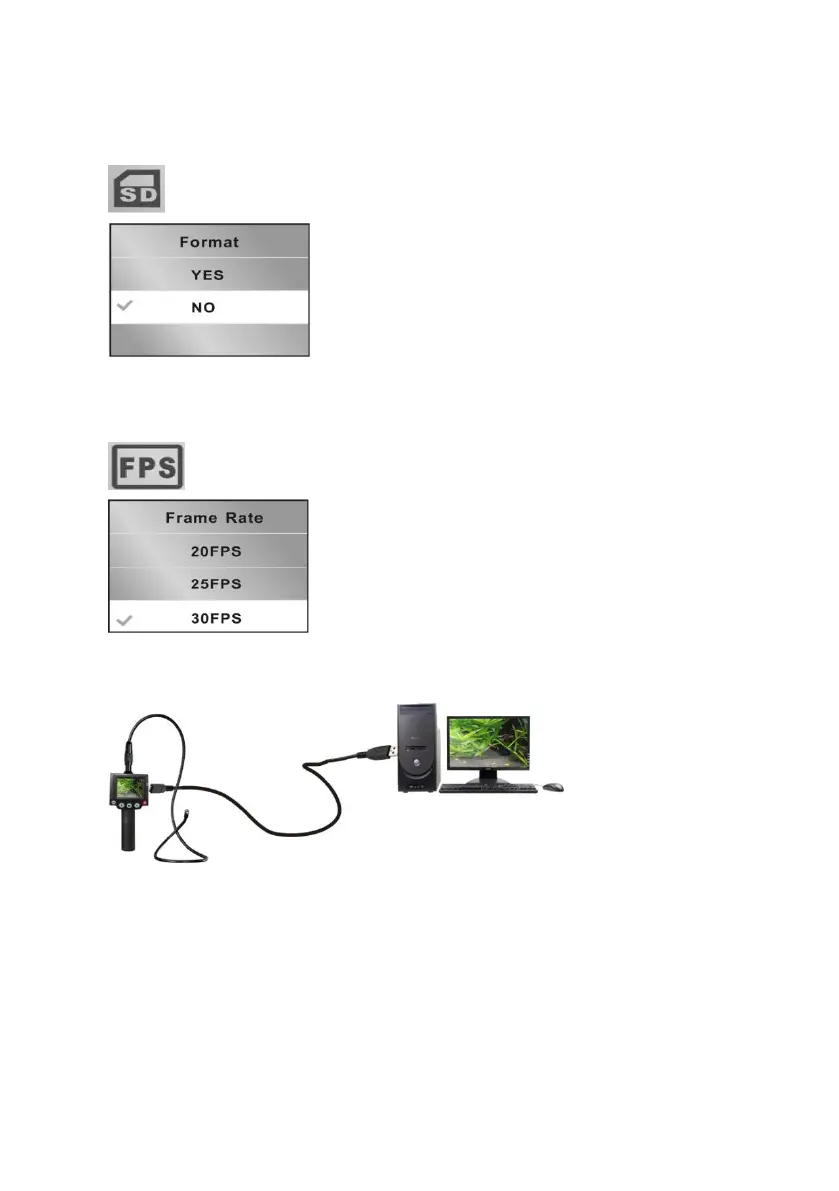
Format
Select ‘Yes’ to format all data on the SD card
Select ‘No’ to exit without formatting
Frame rate
Transferring files to a computer
Connect 1st USB cable (21) between mini USB port (14) and computer
Switch on camera, computer will then detect unit as a removable disk
Files can now be copied over to computer as required


 To Next Page