reflecta gmbh • Merkurstrasse 8 • D-72184 Eutingen i.G
Phone: +49 (0)7457 9465-60 • Fax: +49(0)7457 9465-72 • www.reflecta.de • mail@reflecta.de
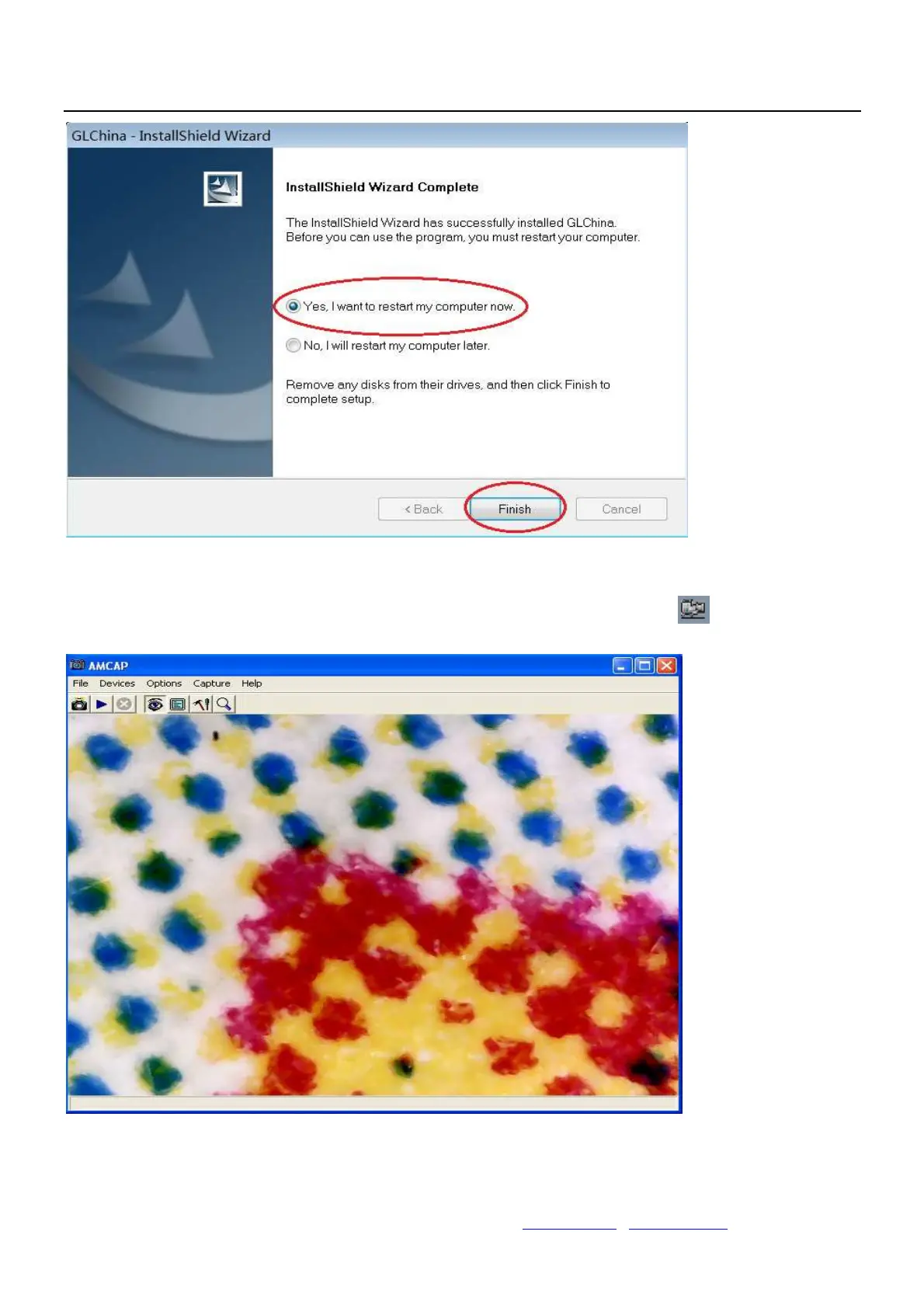
Reset the computer after driver installation at once;
Installation may be blocked by the antivirus software, so let the antivirus software allow all processes, or
close the antivirus before installing. If installation succeeds, you can see the icon on the Toolbar,
also the software desktop icon, double click to run it.
Now you can use the microscope. Long press the SNAP button on the microscope to take images, and the
ZOOM button to have digital zoom function.


 To Next Page