EasyManua.ls Logo

Reflecta Imagebox LCD 9 - Understanding Modes; Menu Mode Display; Scan and Preview Modes

Reflecta Imagebox LCD 9
40 pages
Print Icon
To Next Page IconTo Next Page
To Previous Page IconTo Previous Page
Loading...
E
N
G
L
I
S
H
3
2
Unpacking the unit
Please be sure to remove any tape that could be used to hold items in place for shipping
Brands of Memory Cards tested and found to be compatible:
SDHC Card
SanDisk
2GB
4GB
8GB
16GB
Transcend
2GB
4GB
16GB
ADATA
4GB
16GB
Kingston 4GB
Setting up the device:
Connect the AC adapter to an electrical outlet, then connect it to the back of the unit
Insert SD media card (NOTE: The menu will not available until card is inserted)
Once p
o
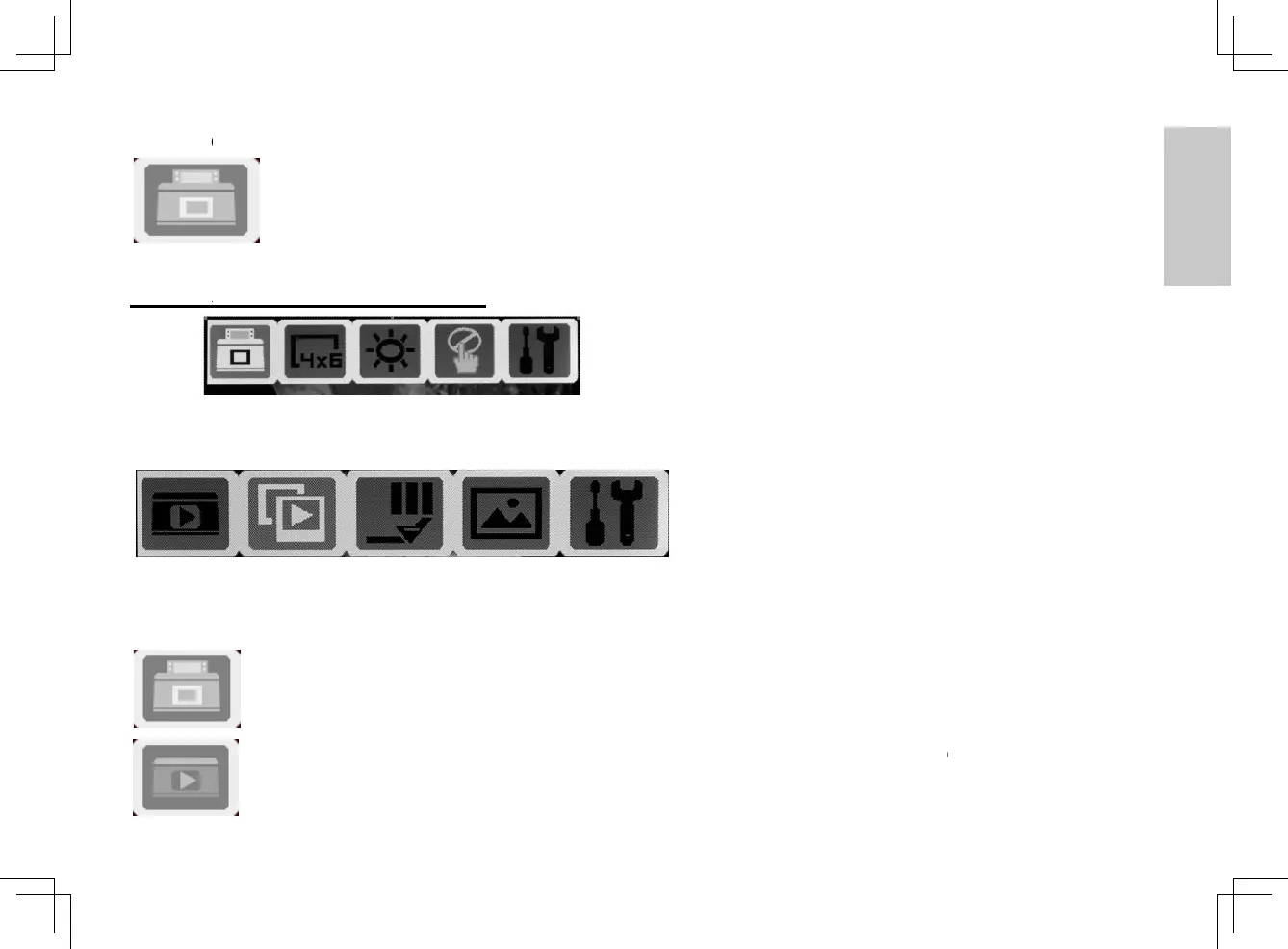
Scan
&
Scan
for sca
n
Previe
w
for vie
w
setting
s
o
wered on, the unit wi
l
Preview mode optio
n
ning options, choices
w
w
ing images on the SD
s
etc.
Scan - Switch b
e
Preview - Switch
l
l display the menu mo
ns
will vary depending o
n
card, Film Type, Magi
e
tween scanning and
p
between scanning an
d
de (on the upper left s
i
n
position of the switch
c Touch (for film/slide
s
p
reviewing images on
t
d
previewing images
o
3
i
de of the screen)
(Film/Photo)
s
), Photo size
t
he card mode
o
n the card mode
3720093-多國manual.indd 3 2010/11/4 下午 7:14

Related product manuals