-
5-
3. Installing the software and driver
To use the film converter you must install the film converter driver and ArcSoft
PhotoImpression 6 in advance.
• Installing the driver.
1. Turn on the computer.
2. Insert the installation CD into the CD-ROM
drive and the installation CD menu will
appear.
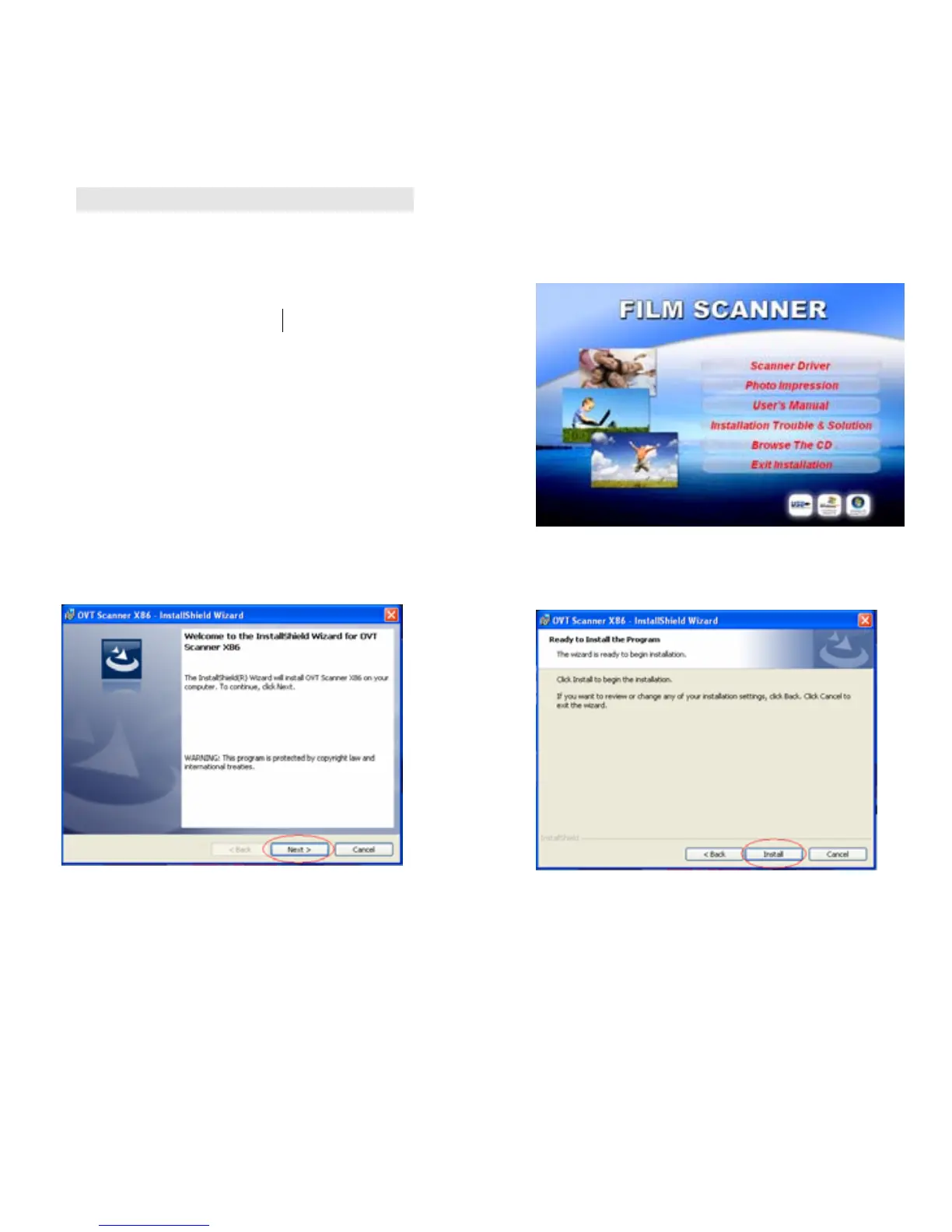
3. When you see the following screen, choose
“Scanner Driver”.
Windows XP directions:
3.1. Click Next to start the installation process. 3. 2. Click Install.















 To Next Page