-
7-
3.5. Take out the installation disk and restart the computer.
• Installing the software
1. Insert the installation CD into the CD-ROM drive and the installation CD menu should
appear.
2. When you see the following screen, choose
“Arcsoft Software Suite” to install the software.
Windows XP and Windows Vista directions:
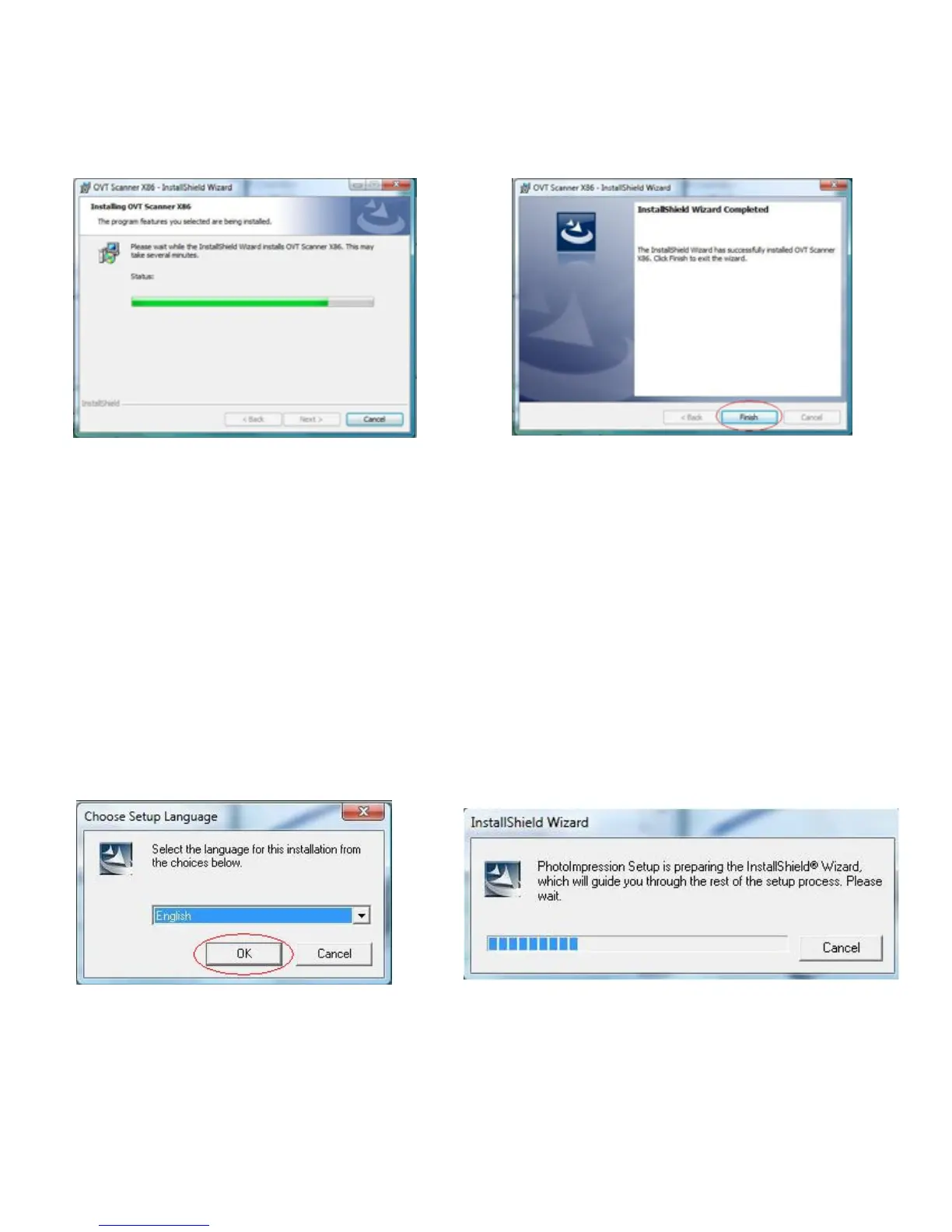
1. Select the language you wish to be 2. PhotoImpression will start the installation.
displayed. Then click OK















 To Next Page