-7-
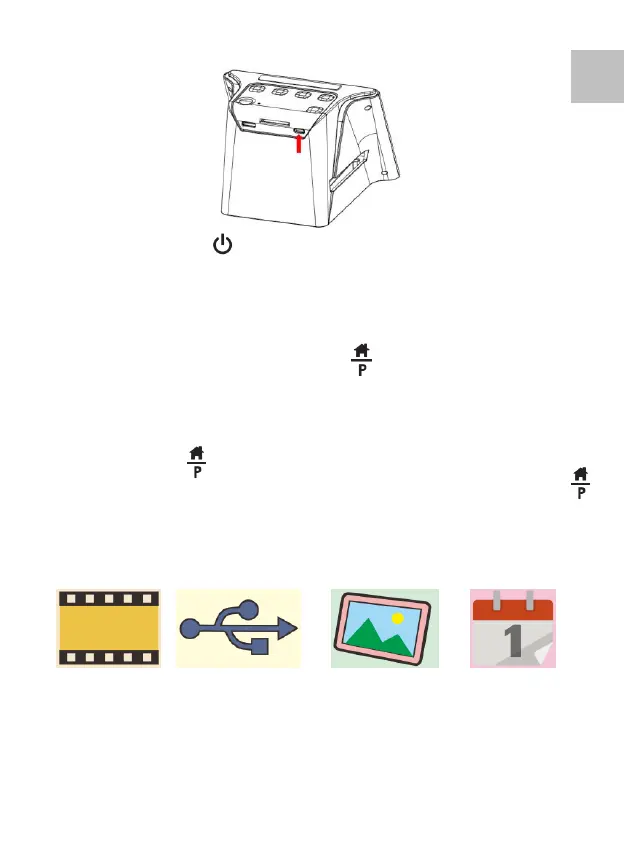
Press the Power Button of your scanner to turn on the
electric power. You will see a pop up screen of Home
Page on the LCD, select the item you want to operate.
There are 4 items (icons) for selection.
Note: The Home Page and the Button
The Home Page is an important page for the operation of
the scanner. From the Home Page you can go to the
preview mode of the scanner for scanning film directly by
pressing the Button once again, after all the settings
for the film are made. You may frequently use the
Button in the operations of the scanner later on.
Film icon USB Trident Photo Gallery Calendar















 To Next Page