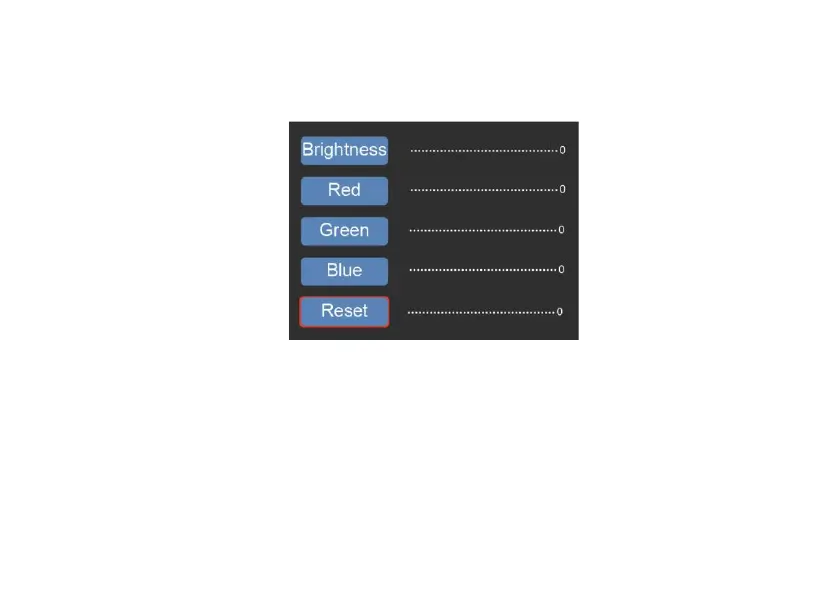
Press OK to enter the EV and RGB menu for exposure control and color correction.
Use < or > button to select, then press ‘OK’ to confirm.
The selected settings bar will be displayed on the preview image. Set your desired
value for Brightness, Red, Green, or Blue and confirm by pressing ‘OK’
Select the RESET option to return to the default values.















 To Next Page