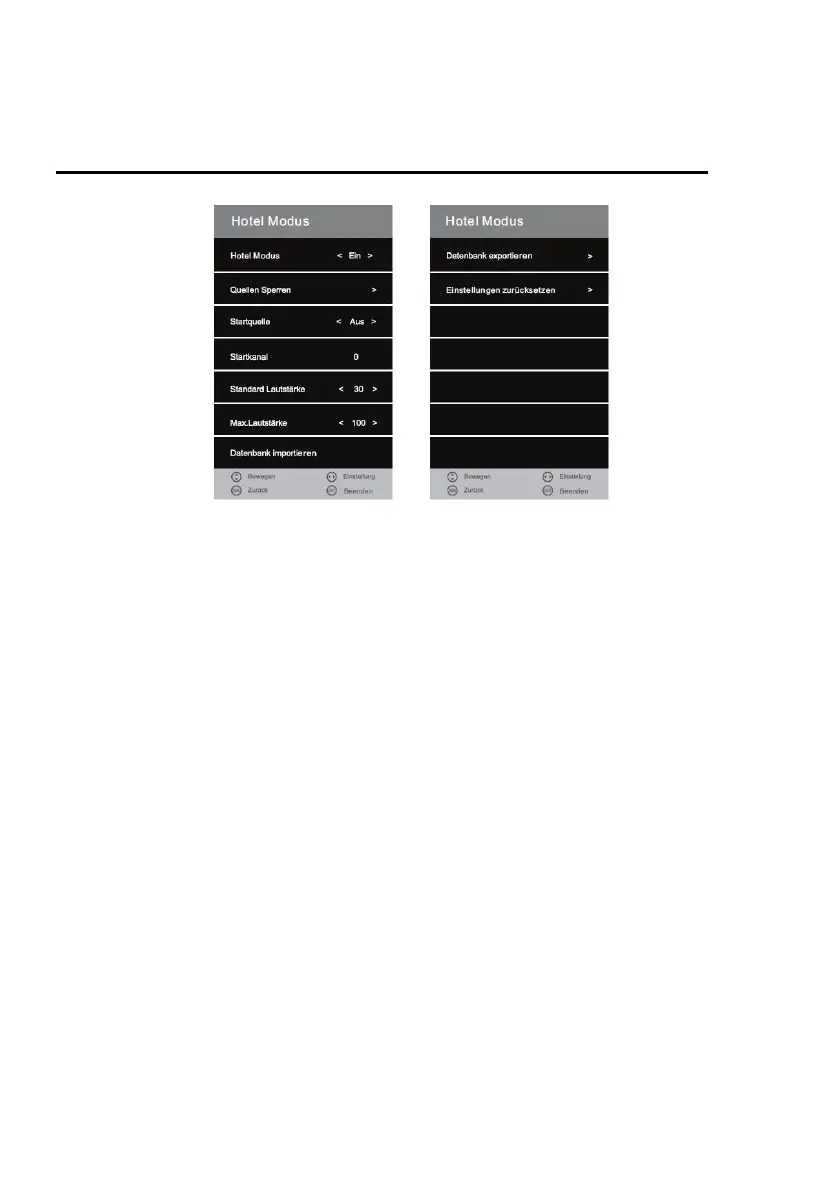
HOTEL MODE
The following settings are available in the menu:
Hotel Mode:
Press the [◄►] button to switch the "On" or "Off" setting.
If the menu item "On" is switched, you have access to the following menu items:
Lock Source / Start Source / Start Channel / Default Volume / Max Volume / Import Database /
Export Database / Reset Settings
Source Lock:
In this menu item you can block access to the input sources.
1. Select the menu item with the [►] key.
2. Navigate in the menu with the [▲ ▼] buttons.
3. To turn an input source "On" or "Off", press the [◄►] buttons.
Note:
If a source is locked, you can no longer select the input source via the INPUT key.
Default Source:
Press the [◄►] buttons to select the various sources as the start source.
The following options are available:
Off / Satellit / DTV / ATV / AV / SCART / YPbPr / DVD / PC / HDMI / USB
Example:
If you have set satellite as the start source, the device automatically starts with the input source
satellite.
Note:
If you have selected Satellite / DTV / ATV as the start source you can select a "Start channel".



 To Next Page