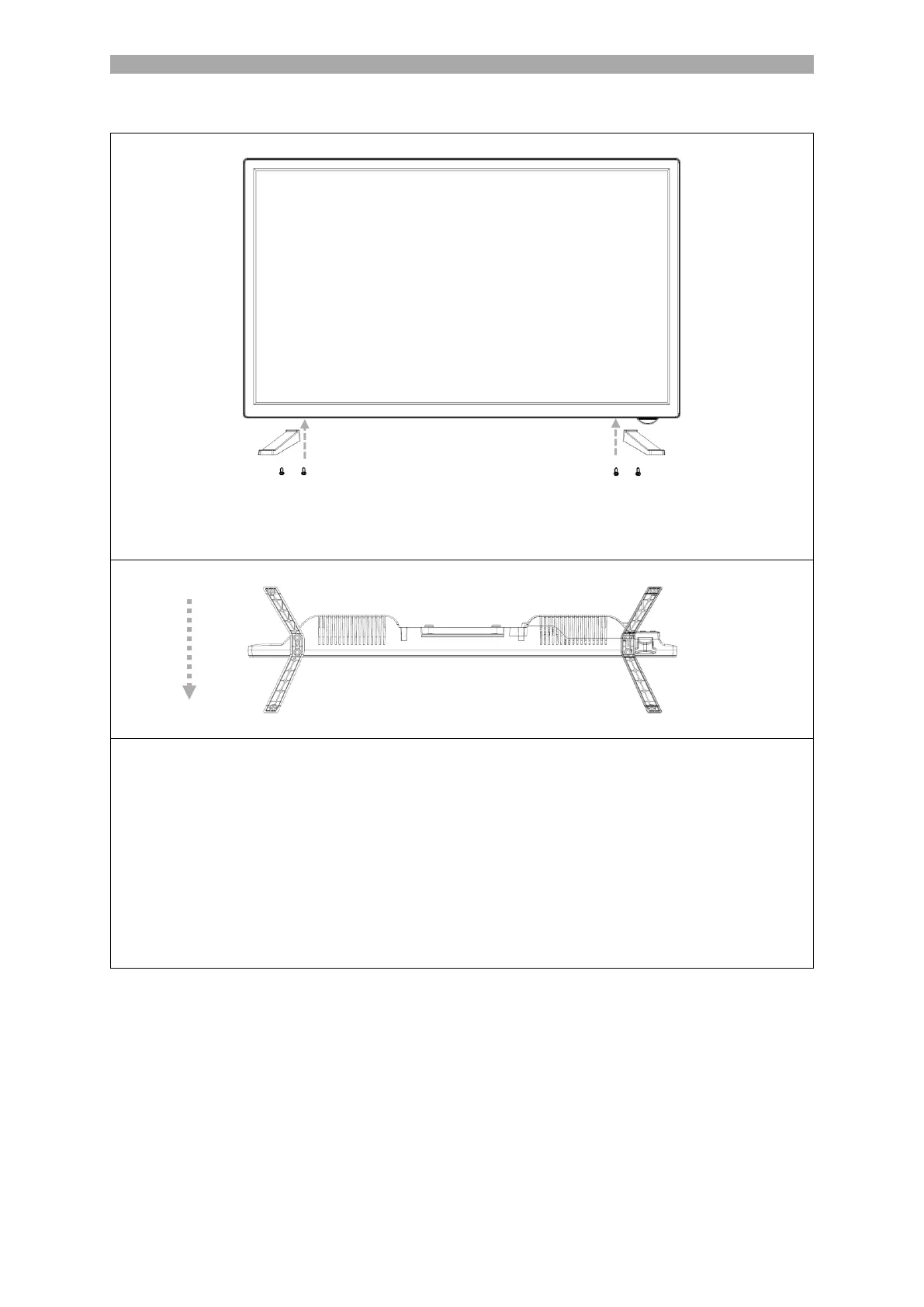
1. Place the TV set (A) on a flat and lightly padded surface with the display facing
downwards.
Note
Make sure that no objects are pressed into the display. The display could be
damaged.
2. Screw the left and right stand feet to the LDDW27i+ TV set using the screws
supplied. The stand feet on the LDDW32i+ are plugged in.
3. When screwing on the two stand feet, ensure that they are correctly aligned (see
FIG. 2).



 To Next Page