UK
53
INPUT SOURCES
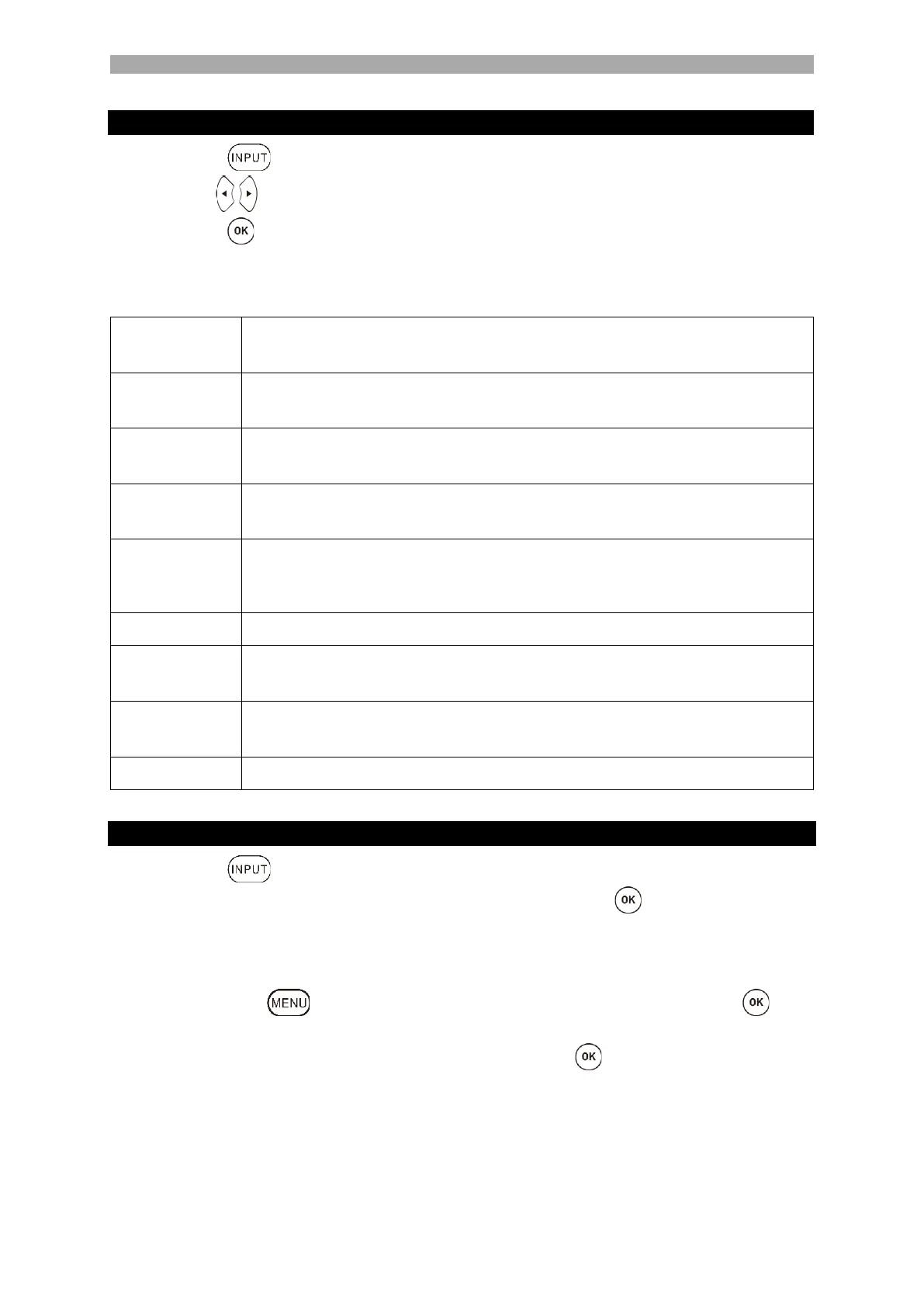
1. Press the key to open the "Input Source Menu".
2. Use the keys to select the different input sources.
3. Press the key to confirm the selection.
4. The following connections are available.
ATV, DVB-T, DVB-C, DVB-S, AV, DVD, HDMI1 (ARC), HDMI2
Select this menu item if you have connected an analogue cable system
or DVB-T antenna to the connection [DVB-T2/C].
Select this menu item if you have connected a digital DVB-T antenna to
the connection [DVB-T2/C].
Select this menu item if you have connected a digital DVB-C cable
system to the connection [DVB-T2/C].
Select this menu item if you have connected a digital DVB-S antenna to
the [DVB-S2] connection.
Select this menu item if you have connected an external device (e.g.
video recorder) to the [AV OUT] connection.
(Mini AV adapter not included).
Select this menu item if you want to play a DVD.
Select this menu item if you have connected an external HDMI device
(e.g. Blu Ray player) to the [HDMI1 ARC] connection.
Select this menu item if you have connected an external HDMI device
(e.g. Blu Ray player) to the connection [HDMI2].
Switch to USB Media mode.
START STATION SEARCH
1. Press the button on the remote control.
2. Select the appropriate reception mode and confirm with the key.
DVB-T
DVB-C
DVB-S
3. Now press the key and select the menu item [Program]. Then press the key
to enter the menu.
4. Navigate to the menu item [Auto Search] and press the key.
5. Select the settings according to your TV connection.
Satellite system (DVB-S): The Preset Scan scan mode is recommended here.
DVB-T Antenna (DVB-T): Please check that you have set the menu item 5V
antenna Feedback to On. Set the Search Type to DTV and the LCN Option to Off.
Cable system (DVB-C): Set the Search Type to DTV and the LCN Option to Off.



 To Next Page