Adjust the sharpness of the picture. The menu item is
only available in picture mode: User.
Set the aspect ratio based on that of the image content.
16:9
Zoom 1
Zoom 2
Auto
4:3
Set the HDMI mode.
Video Mode: Recommended for video playback.
PC-Mode: When a PC is connected and the
complete picture is not displayed.
Set the colour temperature.
Cool: The image is set to bluish.
Normal: The picture is set to neutral.
Warm: The image is set to reddish.
Adjust the intensity of the noise reduction.
Off: Noise reduction is deactivated.
Low: Smallest noise reduction setting
Medium: Medium noise reduction setting
High: Highest noise reduction setting
Auto: Automatic noise reduction setting.
SOUND
In the sound menu you can adjust the sound settings to your needs and save them.
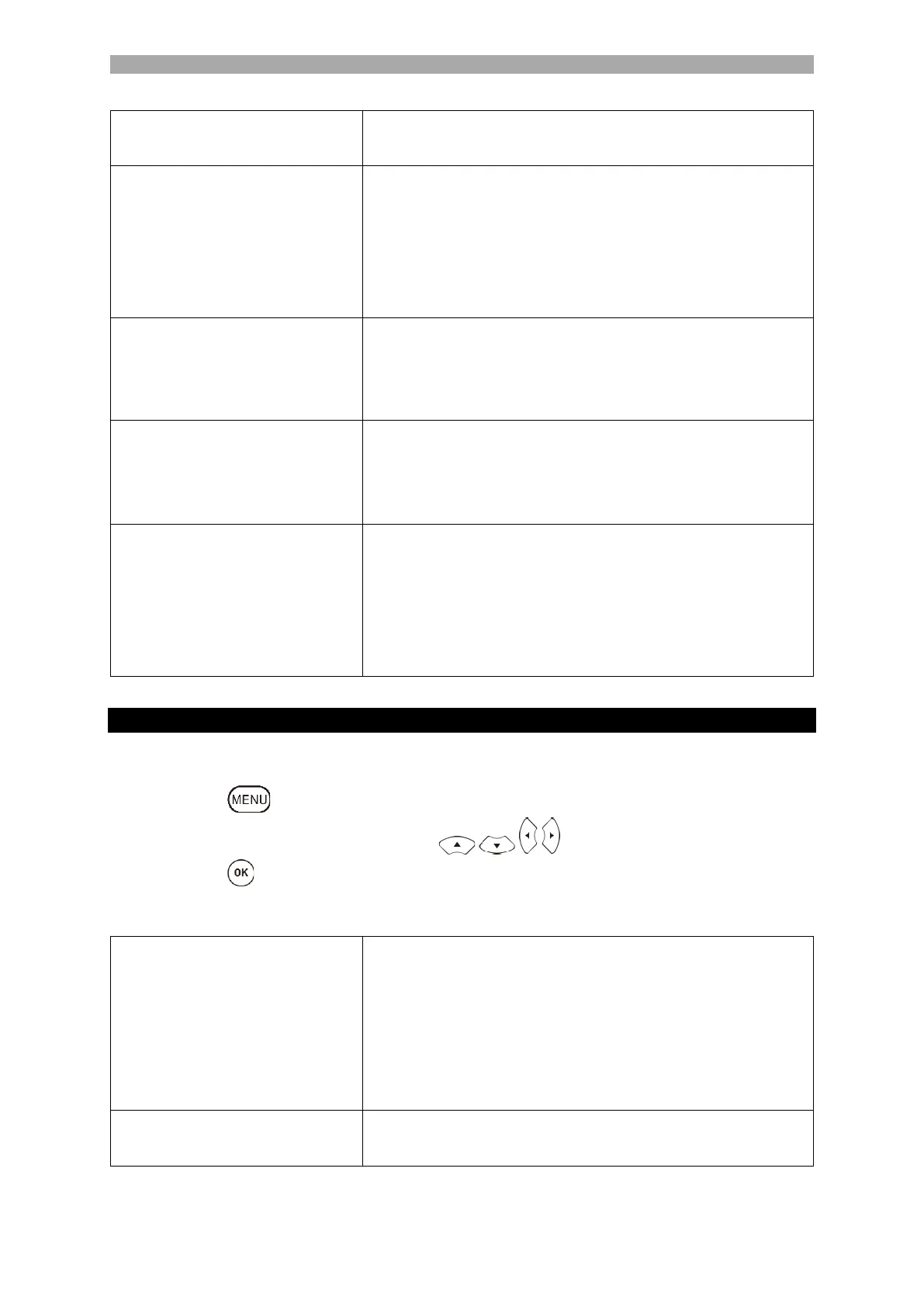
1. Press the key to open the TV menu.
2. Select the Sound menu item with the keys.
3. Press the key to enter the Sound menu.
4. The following menu items are available in the Sound menu:
In sound mode, the following preset sound modes are
available.
Standard (Fixed sound settings).
Sports (Fixed sound settings).
Movie (Fixed sound settings).
Music (Fixed sound settings).
User (The equaliser can be adjusted manually).
Adjust the 5-band equaliser to your needs. The equaliser
is only available in User sound mode.



 To Next Page