Signal Quality: Displays the signal quality.
Signal Strength: Displays the signal strength.
Set the 5V supply voltage for external antennas at the
DVB-T2/C connection On or Off.
Passive antenna = Off
Active antennas = On
Active antennas with own supply = Off
Edit the channel list.
Red button: Delete a selected channel.
Yellow button: Move a selected channel to the desired
position.
Blue button: Skips the marked station when switching
through.
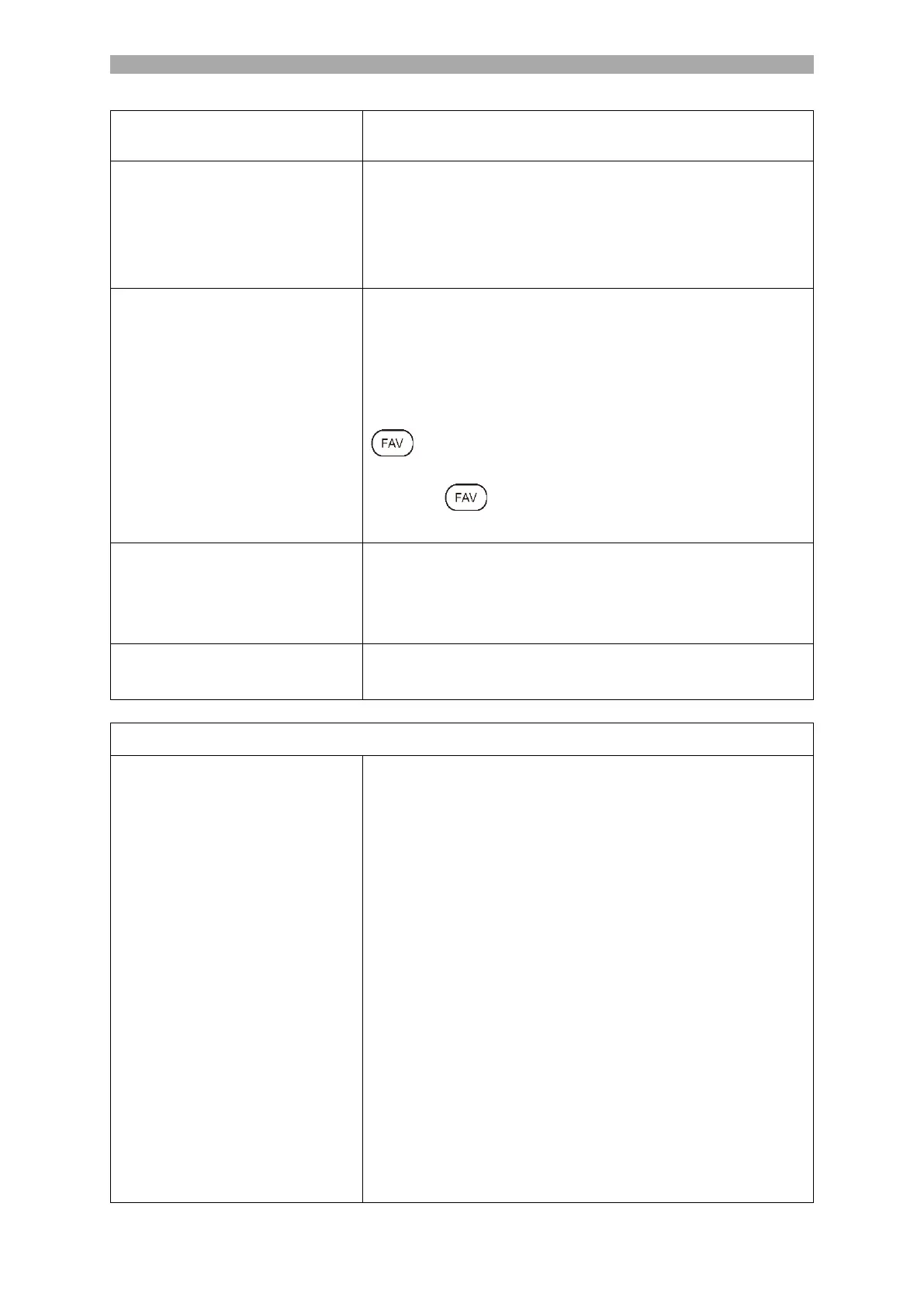
: Marks the selected station with a heart. Press the
button again to stop favour ting the channel.
Press the key when the menu is closed to open the
Favourites list.
Displays information about the inserted CI module and
card. Only active if a module is inserted. The module and
card are not included in the scope of delivery and must
be purchased separately from the reception provider.
Displays reception information of the selected station.
Only active when a station has been found.
Starts the automatic channel search. The channels are
automatically added to the channel list.
Country Select: Select the country according to the
installation site.
Scan Mode: Select the scan mode.
Full Scan
Network
Advance
Search Type: Select the search type.
ATV+DTV
DTV
Frequency: Only available for Network and Advanced
Scan.
Auto
Manual selection
Network ID: Only available for Network and Advanced
Scan.
Auto
Manual selection



 To Next Page