LOCK
In the lock menu you can adapt and save various general settings to suit your needs.
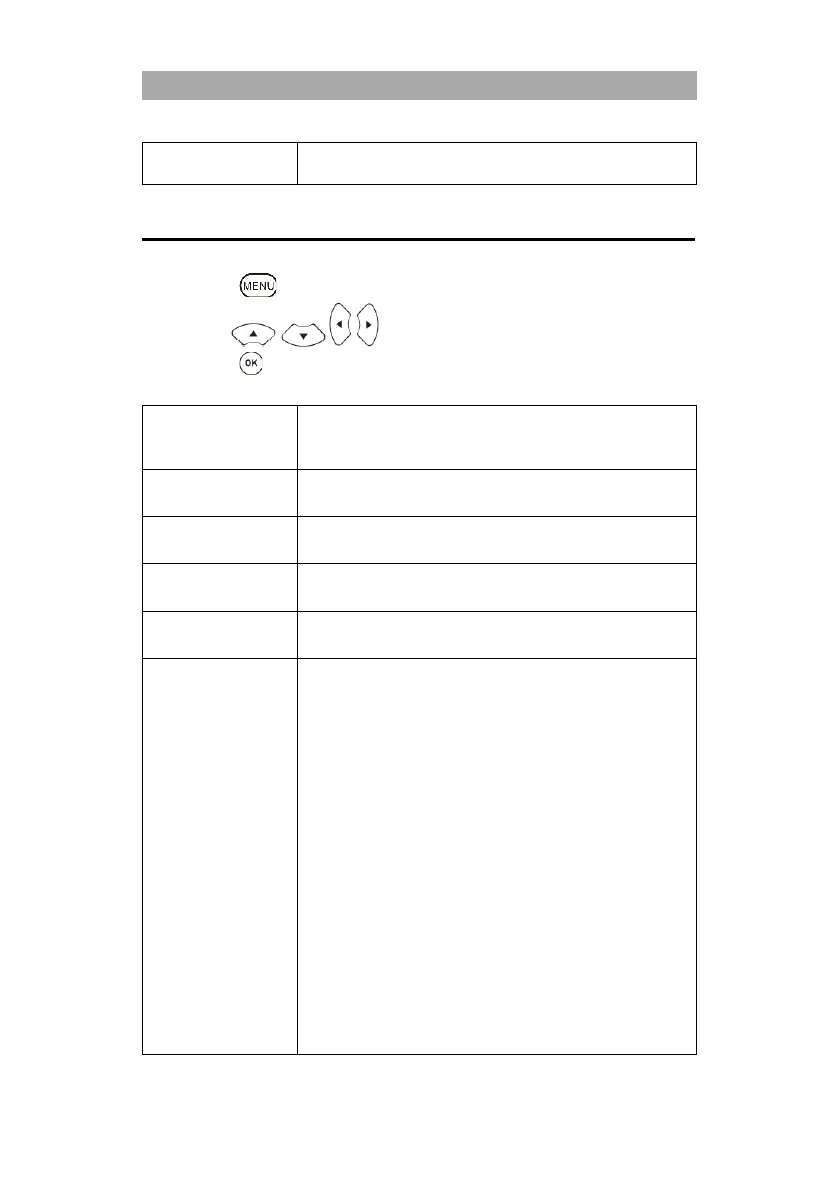
1. Press the button to open the TV menu.
2. Use the buttons to select the Lock menu item.
3. Press the button to enter the lock menu. The following menu items are available in
the Lock menu:
Set the system lock to On to access the following menu items. A
password query appears. Enter the default password 0000 or the
customized password.
Here you can set a new password. Please make a note of the new
password. The standard password is: 0000
In this menu you can block individual TV channels. The
transmitters are secured with a password entry.
Define a value for the protection of minors in order to protect TV
content that is harmful to minors with a password.
Hotel Mode: Various standard settings can be made here.
Hotel Mode:
Set the hotel mode On or Off and get access to the
following menu items.
Source Lock:
You can block the signal sources in this menu.
Default Source:
Select an input source with which the TV set should start.
DTV Channel Type:
Select the service type. Only active if ATV, DVB-T, DVB-C or
DVB-S is selected as the standard source and there are
stations in the station list.
Default Prog:
Select the station with which the device should start. Only
active if ATV, DVB-T, DVB-C or DVB-S is selected as the
standard source and stations are available in the station list.
Max. Volume:
Set the maximum volume level that the user can set.
Default Volume:
Set the volume at which the device should start.



 To Next Page