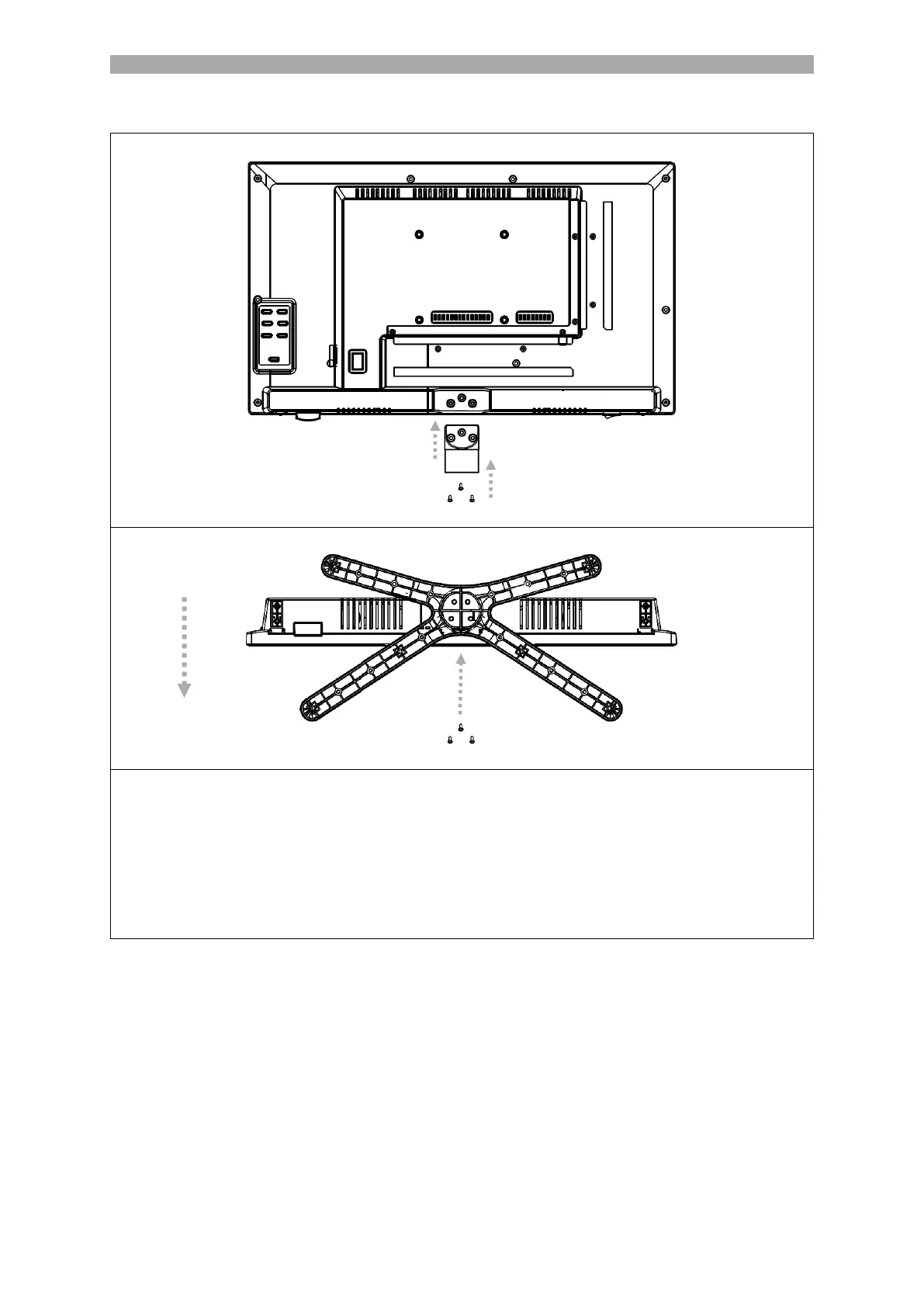
1. Place the TV set (A) on a flat and lightly padded surface with the display facing
downwards.
2. Screw the middle piece (B) to the TV using the screws (C) supplied and a screwdriver
(not included) (see FIG. 1).
3. Hold the stand foot (D) against the underside of the middle piece (C) and ensure that
it is correctly aligned (see FIG. 2).
4. Screw the stand (D) to the TV with the screws (E).



 To Next Page