Signal Quality: Displays the signal quality.
Signal Strength Displays the signal strength.
Set the 5V supply voltage for external antennas at the
[DVB-T2/C] connection "On" or "Off".
Edit the channel list.
Red button: Delete a selected channel.
Yellow button: Move a selected channel to the desired
position.
Blue button: Skips the marked station when switching
through.
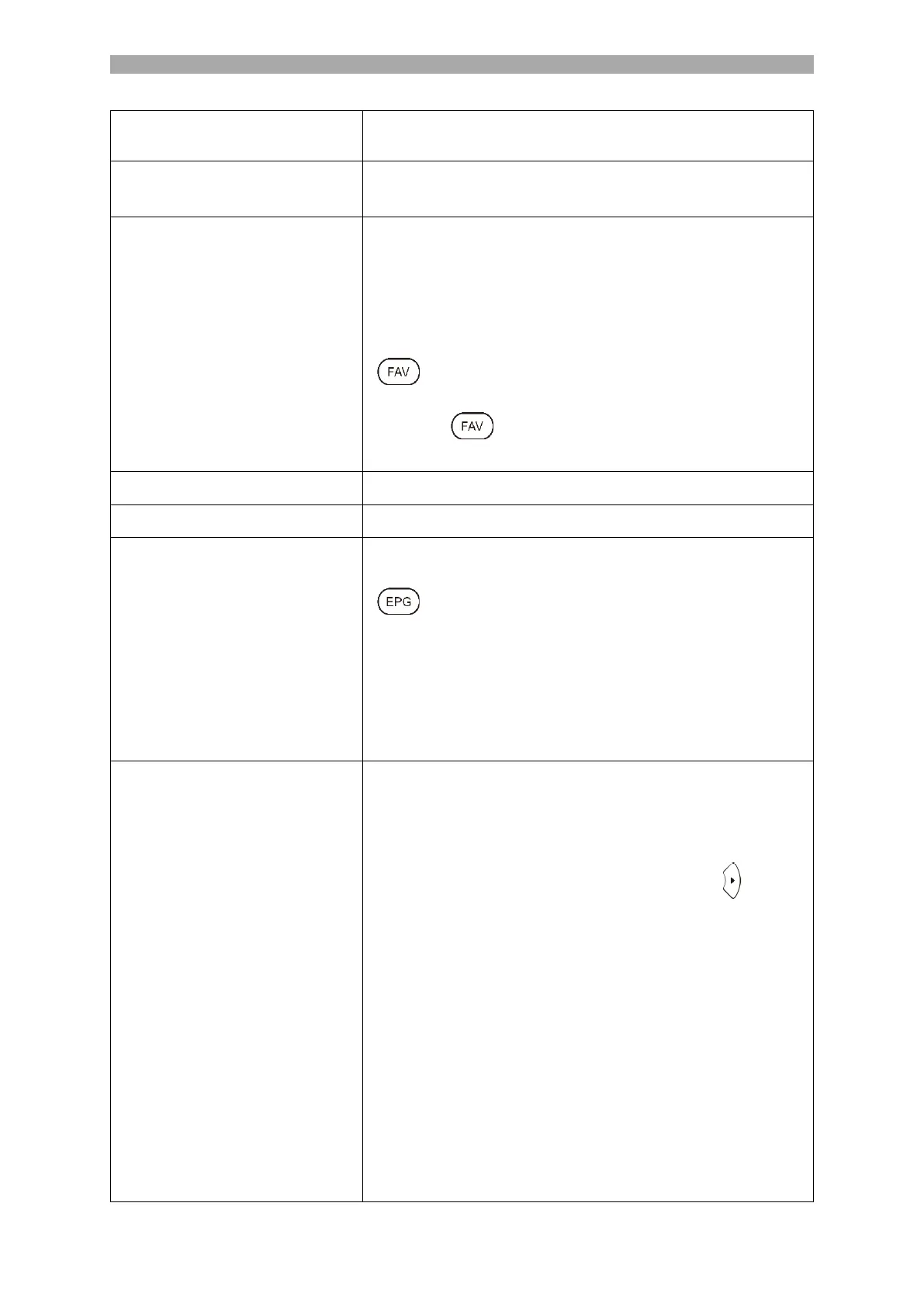
[ ]: Marks the selected station with a heart. Press
the button again to stop favouring the channel.
Press the [ ] key when the menu is closed to open
the Favourites list.
DVB-S Channel Export (USB)
Export your configured satellite list as a backup to USB.
DVB-S Channel Import (USB)
Import your satellite list stored on USB.
Satellite Dish Setup
(Satellite / Transponder)
Manage the transponders or satellites and adjust the
LNB settings.
[ ]: Switch between the satellite and transponder
list.
Red button: Delete a selected transponder or satellite.
Green button: Edit a selected transponder or satellite.
Yellow button: Add a new transponder or satellite.
Blue button: Start the search on a selected transponder
or satellite. The existing channel list is deleted.
Satellite Dish Setup
(LNB Settings)
Note:
Normally, no adjustment needs to be made in the
LNB settings. The setting is only recommended for
experienced users.
Select the desired satellite and press the [ ] key to
enter the LNB setting.
LNB Type: Adjust the setting based on your LNB.
LNB Power: Set the LNB voltage for horizontal / vertical
switching.
13V/18V (Default)
Off
22Khz: Control signal for low / high switching.
Auto (Default)
On
Off
Unicable Setting: Set the Unicable setting according to
your Unicable satellite system.



 To Next Page