EasyManua.ls Logo

Reflexion TRA562DAB - Page 18

Reflexion TRA562DAB
Print Icon
To Next Page IconTo Next Page
To Previous Page IconTo Previous Page
Loading...
UK
18
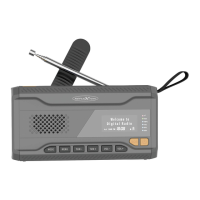
1. Torch button
To switch the torch function on and off
2. Solar panel
Use sunlight to charge the integrated battery
3. Carrying strap
Attach the unit to a carabiner or similar using the carrying
strap
4. Indicator-LED
Indicates the charging status of the integrated litihum battery
5. LCD-Display
Information display
6. POWER
Switching on / off (standby)
7. SOS
SOS function Switch on / off
8. VOL+
Volume up / Enter button
9. VOL-
Volume down
10. TUN+
Adjust frequency + / Save preset
11. TUN-
Adjust frequency - / Select preset
12. MENU
Menu button for various settings
13. MODE
Select mode: DAB / FM / Bluetooth
14. Speaker
Music output
15. Low light
Low light torch
16. SOS / High beam
SOS light / High beam torch
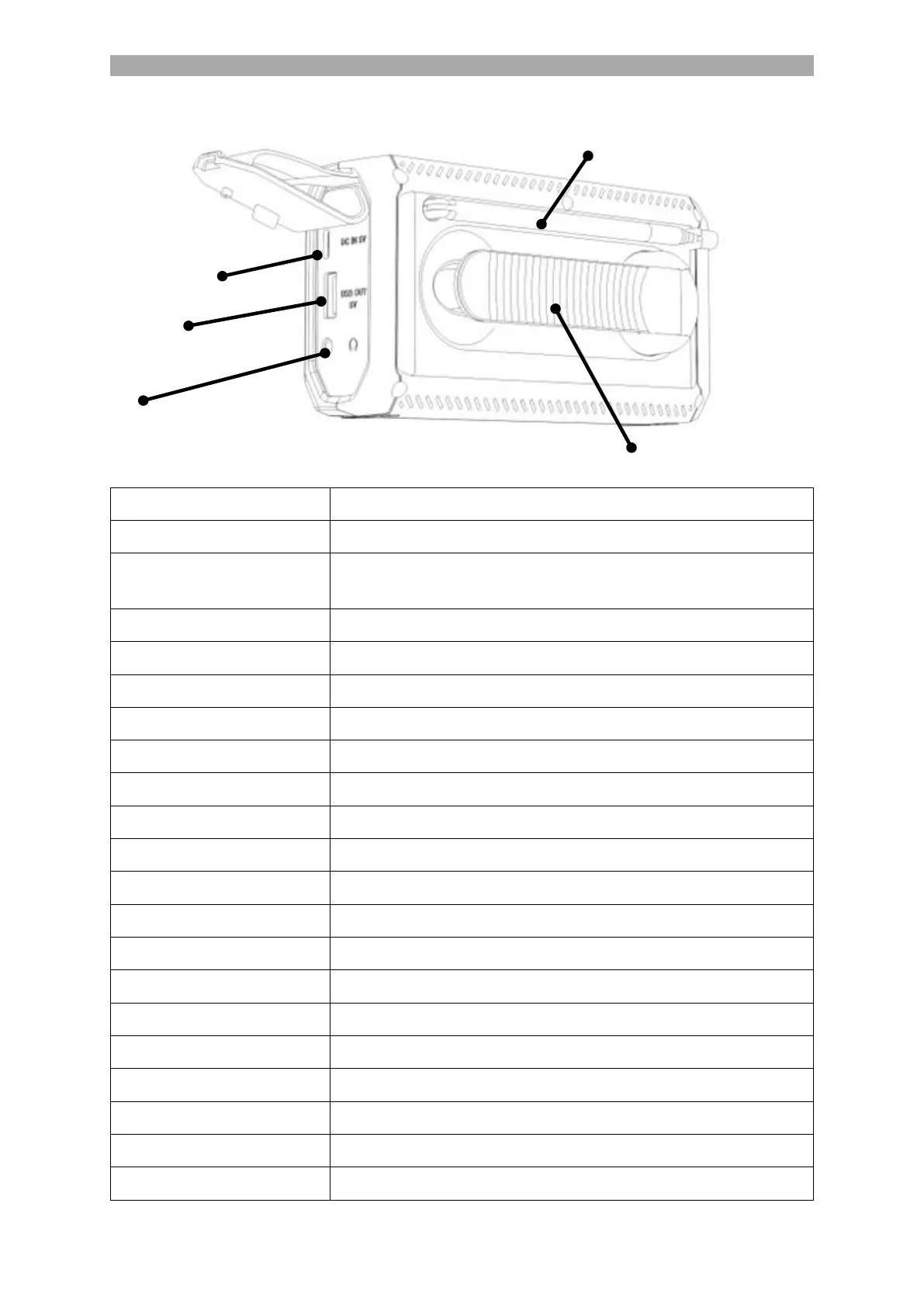
17. Telescopic antenna
For DAB / FM reception
18. Hand crank
To charge the integrated battery
19. DC IN 5V
Type C charging socket for the integrated battery
20. USB OUT 5V
Type A charging socket for external USB devices

21. Headphone
3.5mm headphone jack
17. Telescopic antenna
18. Hand crank
19. DC IN 5V
20. USB OUT 5V
21. Headphone connection

Related product manuals