108
Helm Controls (Typical)
Introduction
Your vessel may be outfi tted with a Garmin single
or dual chartplotter. Select units are either sonar
capable or function as a GPS without sonar capa-
bility. Both types of chartplotters will display water
depth and engine functions.
All units are feature a 7” touchscreen and are pre-
loaded with US BlueChart® g3 and LakeVu g3
maps.
We will touch on basic start up procedures here.
Refer to your Garmin manual for more detailed
operating information or use the Garmin web-site
at support.garmin.com. Before venturing out be
sure to read and become familiar with the chart-
plotter operation. Read and understand all warn-
ings related to the use of the chartplotter.
Note that all route and navigation lines displayed on
the chartplotter are only intended to provide general
route guidance or to identify proper channels and
are not to be precisely followed. Always defer to the
navigation aids and water conditions when navigat-
ing to avoid grounding or hazards that could result
in vessel damage, other property damage, personal
injury or death.
Quick Start Information
Chartplotter Overview & Feature Description
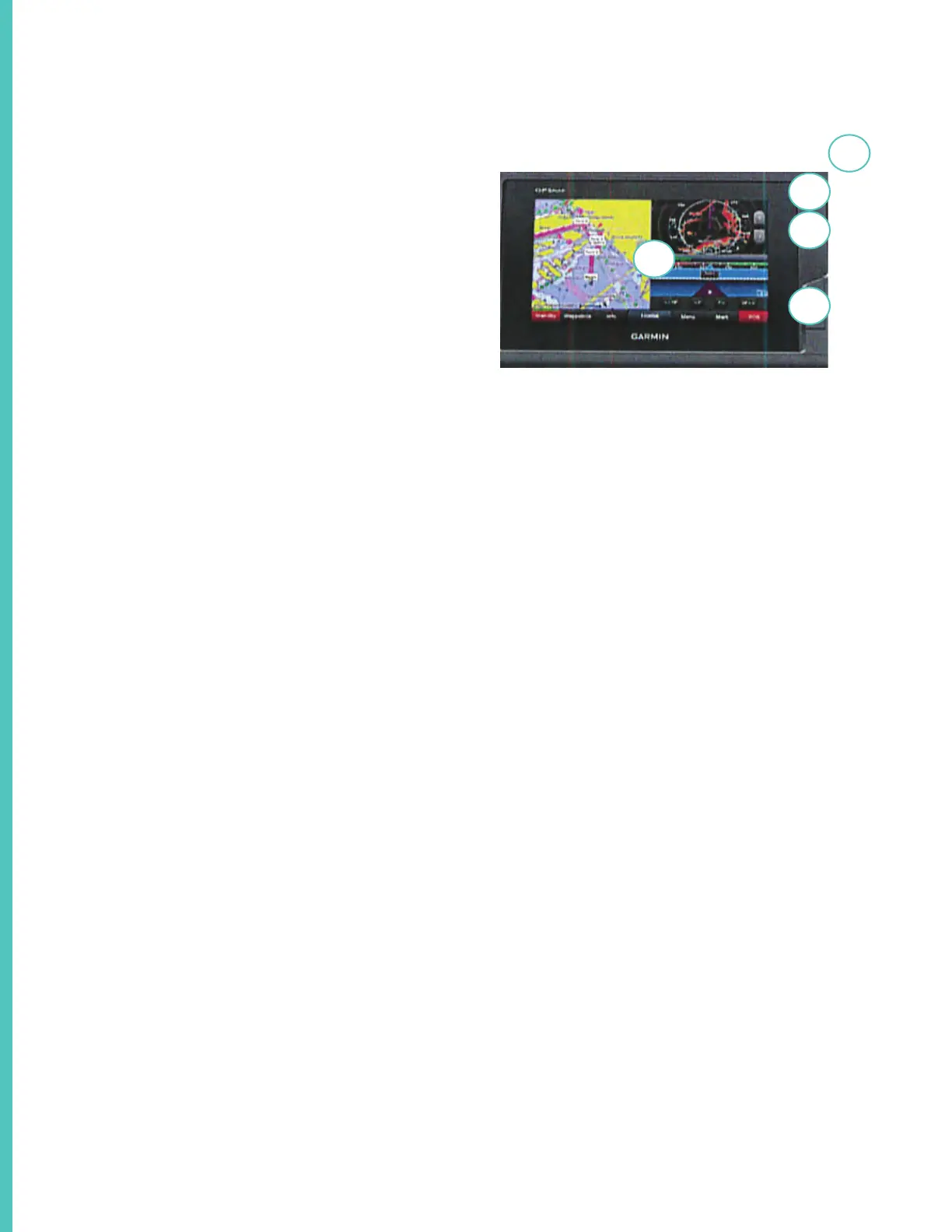
1. This is the touchscreen indicator.
2. This is the power key. Press and hold to activate
the unit.
3. This is the back light sensor. To change bright-
ness you can repeatedly press the power button to
scroll through the various brightness levels.
4 Under the cover are 2 micro SD memory card
slots. Maximum card size is 32GB formatted
to FATT32. To use slots lift the cover and insert
card into slot until it clicks. Shut the door. If the
card resists when inserted turn it 180 degrees
and try again. Read more about memory card us-
age features in your Garmin manual which can
be downloaded at www.garmin.com/manuals/
GPSMP702-902.
Note that features may di er from model to model
including equipment installed on your vessel.
3
2
5
4
1



 To Next Page