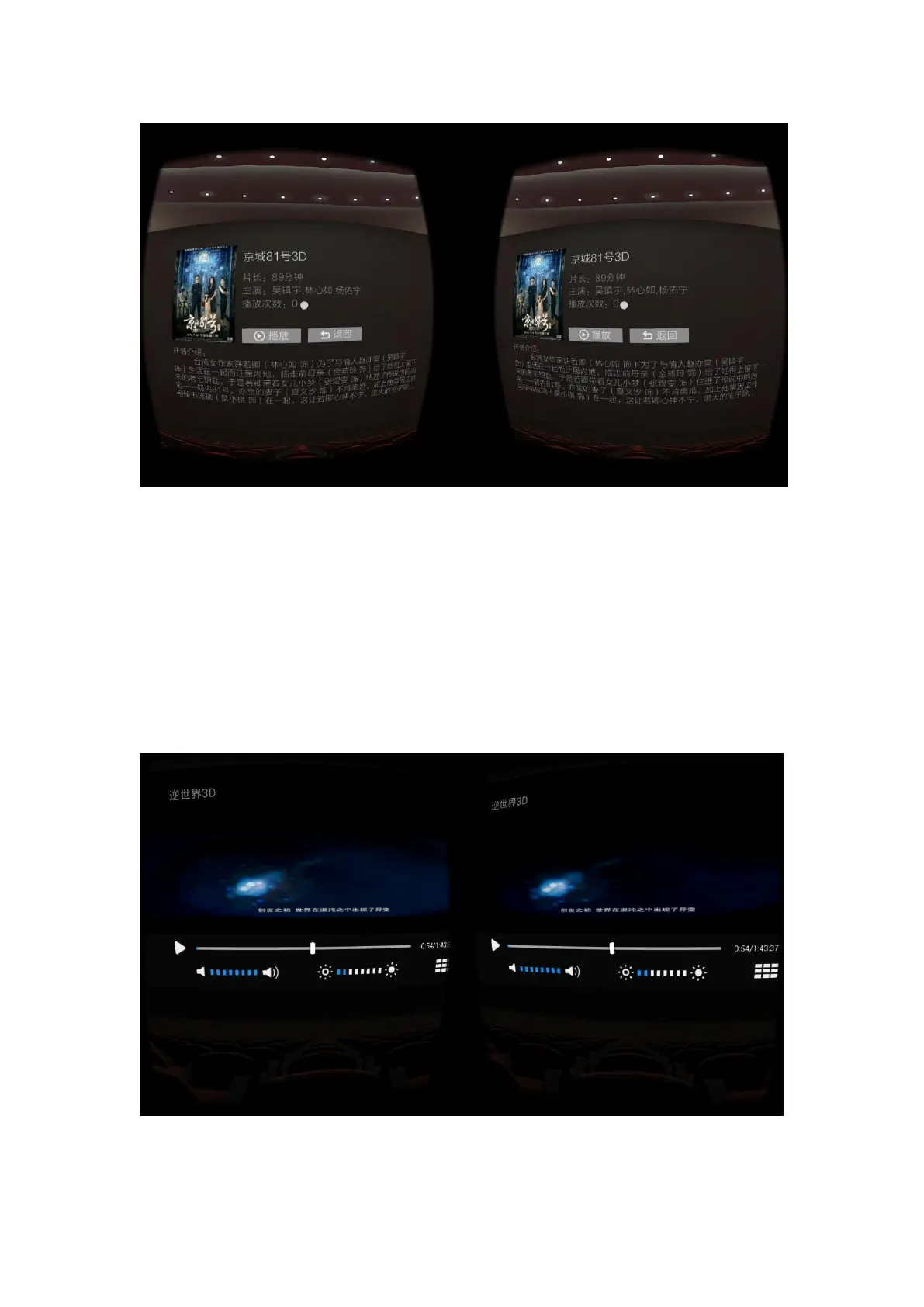
Play page
1. Downward the head visual angle on the play page can show the progress bar of play; Use
head view to aim at any place expect progress bar on the play page and then press the enter
button can lock the screen.
2. There are 4 function items and progress bar at the progress bar of play: item that switches
the mode of play and pause, item that adjusts brightness and volume, item that adjusts play
progress of the video and the item that backs to the detail page.
3. On the play page, click the back button on the all-in-one machine can go back to superior
page.



 To Next Page