3
ENGLISH
Thank you for buying your new Remington® product.
Before use, please read these instructions carefully and keep them safe. Remove all packaging
before use.
I Claim your extra 1 year warranty by registering your product online.
Simply go to: www.remingtoneurope.com/register .
A CAUTION
attachments not recommended by Remington®
or dropped in water.
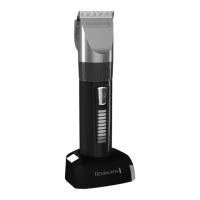
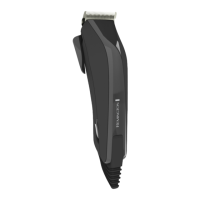
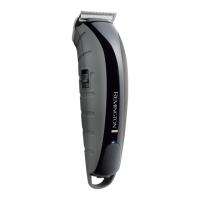
C KEY FEATURES
1 On / O Switch
2 Motorised comb
3 stubble comb
4 Short Length comb
5 Long length comb
6 Touch screen area
8 Locked / unlocked switch
9 Comb Selection switch
10 Tri Boost System
11 Battery icon
14 Adaptor
C GETTING STARTED
Before the unit can be used for the rst time, pull out the plastic marked with a red arrow from
the bottom of the unit. Then push the power button to turn on the unit. The plastic tab is only for
shipping and can be discarded.
C CHARGING YOUR HAIRCLIPPER
indicate the unit is charging .



 To Next Page
 Loading...