7
• Don’t insert the attachment more than 6 mm.
• Wash the attachment after each use.
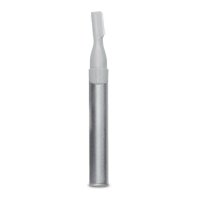
Eyebrow:
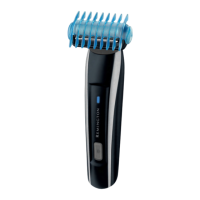
1. Slide the desired eyebrow comb attachment (3 or 6 mm) over the trimmer head (Fig. D).
2. Carefully guide the attachment to remove any stray or longer hairs from the eyebrow.
3. To completely remove hairs, let the attachment touch the skin then move over the desired
area.
CARE FOR YOUR GROOMER
Care for your product to ensure a long lasting performance. We recommend that you clean
your groomer after each use.
AFTER EACH USE
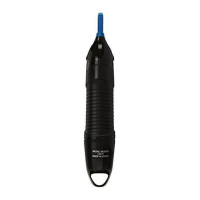
• Brush any accumulated hairs from the groomer and attachment heads.
• The easiest and most hygienic way to clean the groomer is by detaching the head from
the groomer body and rinsing the head with warm water.
• Place one or two drops of cutter oil or sewing machine oil on the blades.
• Turn the device on to distribute the oil evenly, wipe o any excess oil.
BATTERY REMOVAL
We strongly recommend that a professional removes the rechargeable battery. Parts of
the shaver case, and tools have sharp edges and may cause injury if not handled correctly.
• The rechargeable battery must be removed from the appliance before it is scrapped.
1. Ensure the device is discharged of all power. To do this, switch it on and allow it to run until
it stops.
2. Remove any attachments.
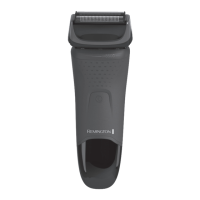
3. Pry o the switch button/switch cover.
4. Unscrew the 2 screws under the cover then remove the lower housing.
5. Slide out the battery assembly.
6. Unscrew the 2 screws from the cover then remove the battery.
• Used batteries must be removed from the appliance and disposed of at an appropriate
ocial recycling/collection point.
• Do not attempt to operate the device once you have opened it.
GB
AE


 To Next Page
 Loading...