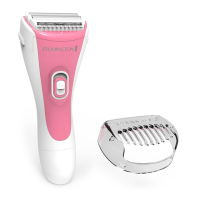
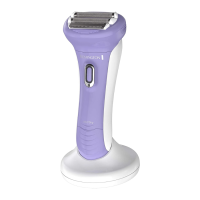
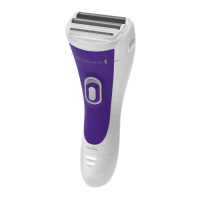
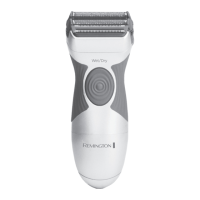
7
BATTERIES
• The battery must be removed from the appliance before it is scrapped.
• The appliance must be disconnected from the supply mains when removing the
battery.
• Ensure battery is discharged.
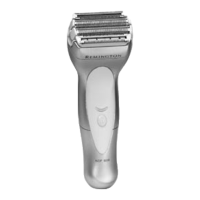
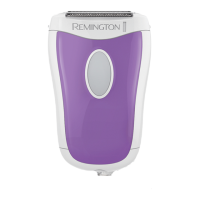
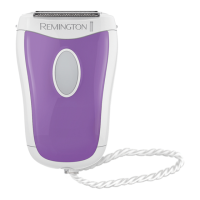
1. Remove the shaver head from the unit.
2. Using a small screwdriver, remove the screw from the bottom of the shaver.
3. Pry the front panel from the front housing and remove the switch button.
4. Pull out the inner housing from the top of the unit and expose the PCB and batteries.
5. Pry the PCB assembly out of the shaver housing.
6. Cut or break the wire stamps on both ends of the batteries and remove the batteries.
• The battery is to be disposed of safely.


 To Next Page
 Loading...