2.40
Adjustment
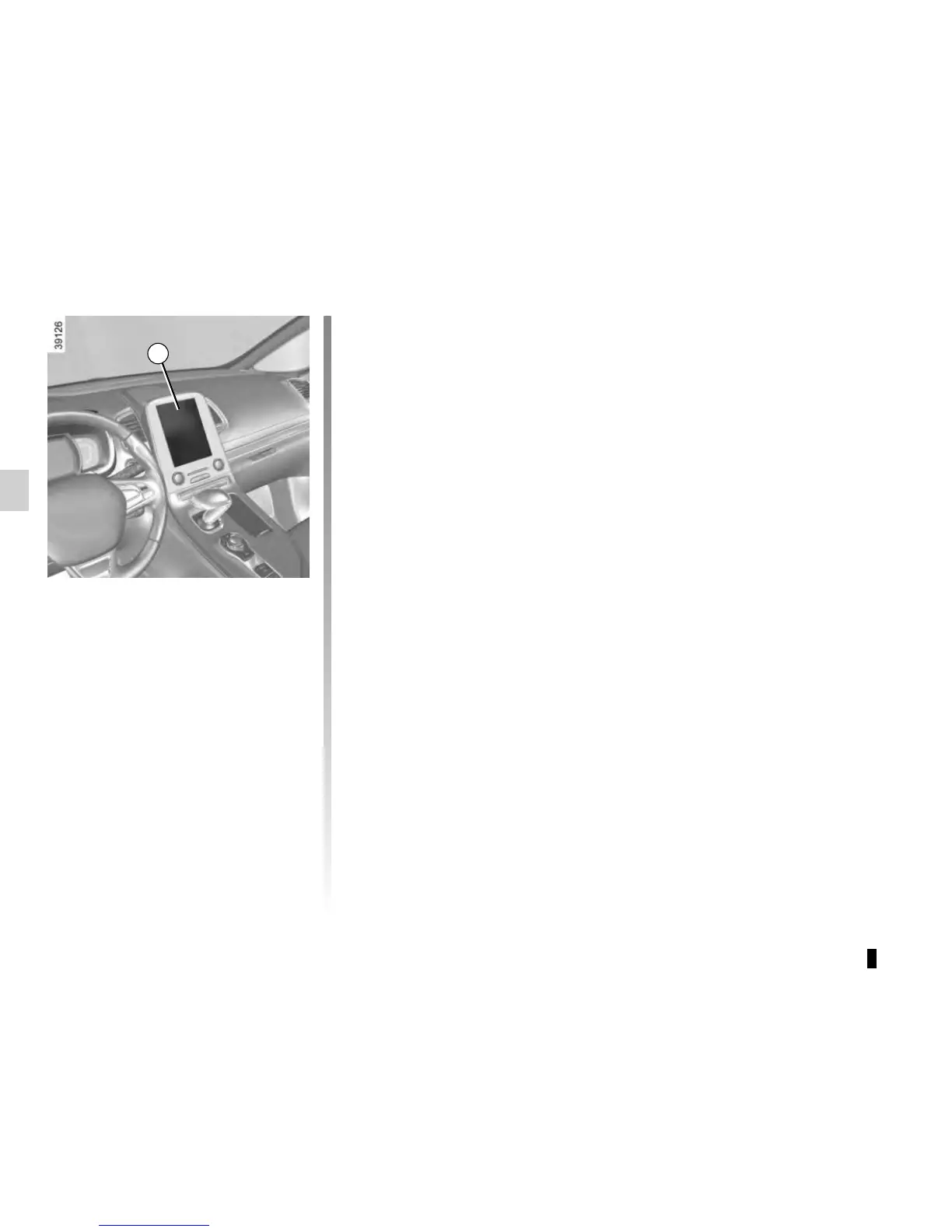
From the multifunction screen 1, select
“Vehicle”, “Driving assistance”, “Lane
departure warning settings” then in:
– volume: adjust the alert volume to
one of five levels;
– sensitivity: adjust the sensitivity level
for line detection. To do this select:
– “Low” line detected upon cros-
sing;
– “Middle” line detected on ap-
proach;
– “high” line detected nearby.
LANE DEPARTURE WARNING (3/3)
Operating faults
In the event of a malfunction, a mes-
sage “Lane departure warning check” is
displayed on the instrument panel, and
the visibility indicators for the left and
right lines disappear from the instru-
ment panel.
Consult an approved dealer.
1













 To Next Page