7
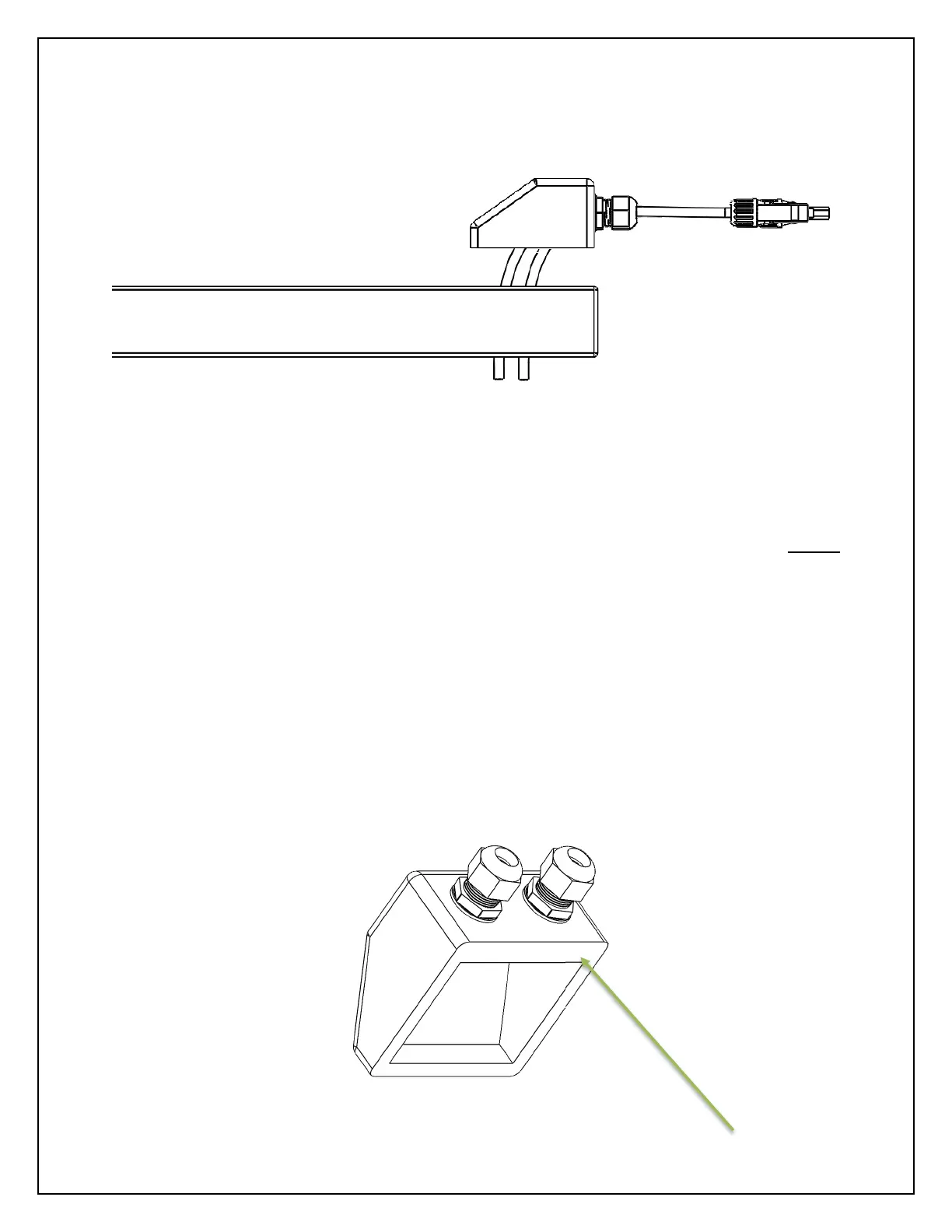
2. Apply Adhesive to the cable entry gland and install on flat surface
NOTE: Always mark out where the component will be located on the flat surface before
proceeding to apply adhesive
a. Clean the surface that will be bonded to ensure maximum bonding potential
b. Apply adhesive to the bottom side of the membrane where they will make contact with
the flat mounting surface
c. Apply pressure to ensure proper contact.
NOTE: A correct bond should have the adhesive seeping from the bracket onto the flat
surface.
NOTE: Adhere to adhesive manufacturer specifications for application and time to dry



 To Next Page