English
31English
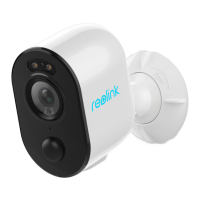
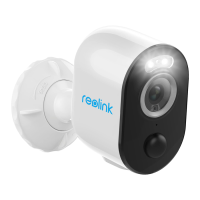
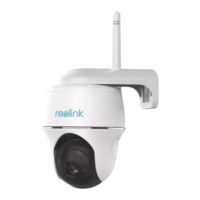
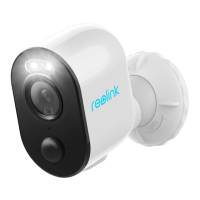
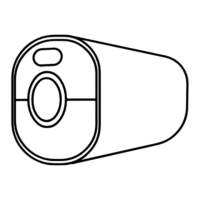
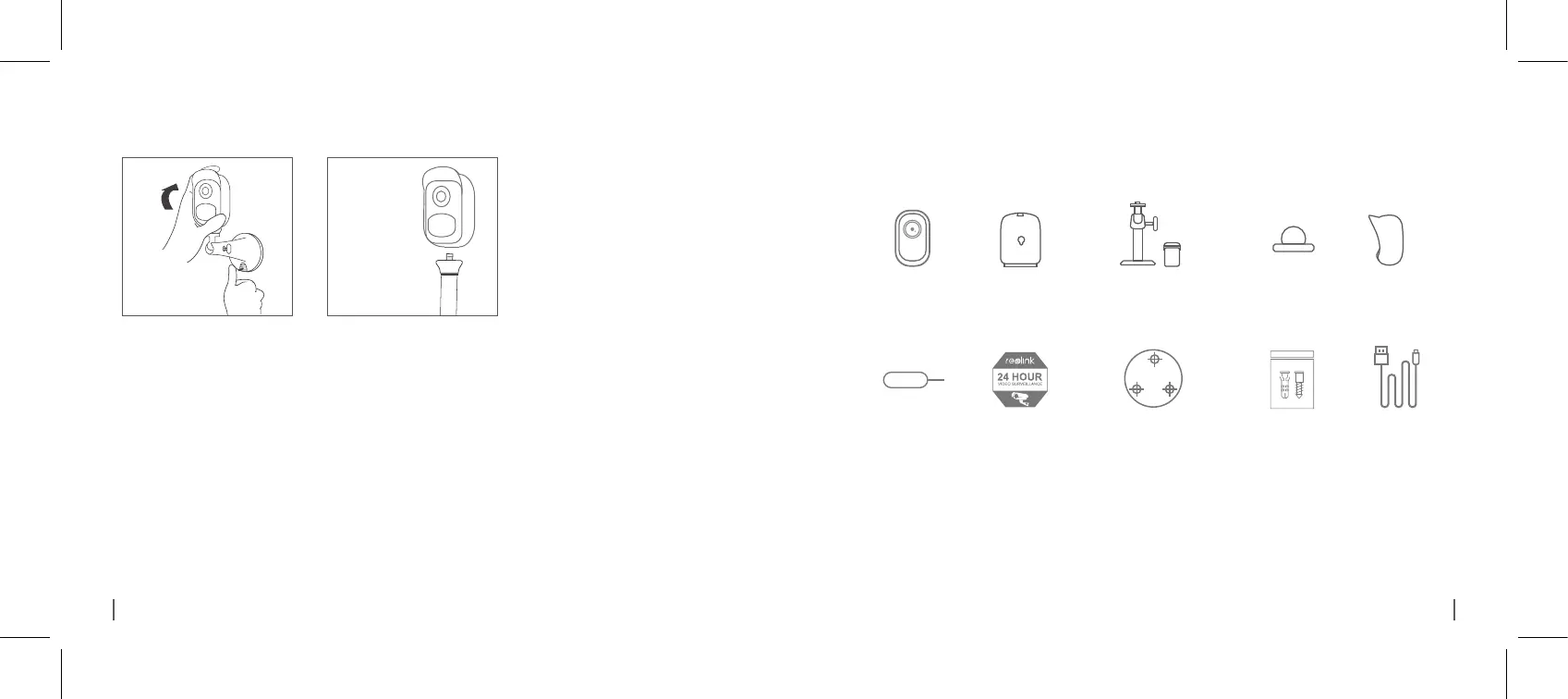
What’s in the BoxHow to Remove the Camera
Outdoor Security Mount
(with a hook & loop strap)
x1
Surveillance
x1
Mounting
Hole Template
x1
Screws (in pack)
x1 x1
The camera and the rechargeable battery are packed separately in the same package.
Skin
x1
*
*
Please dress the camera with the skin for better weatherproof performance when
you install the camera outdoors.
*
(x2 for Argus 2)
(x2 for Argus 2)
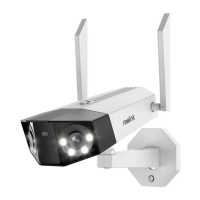
Argus 2/Argus Pro
x1
Wall Mount
x1
Rechargeable
Battery
x1
*
(Only for Argus 2)
Reset Needle
x1
Sign
Power Cable
Camera
Unscrew the camera from the
wall mount.
Press the security mount button
to pull the mount out.
Step 1 Step 2



 To Next Page
 Loading...