Set up the Camera on the App
Here is a guide on how to initially set up the camera via Reolink App.
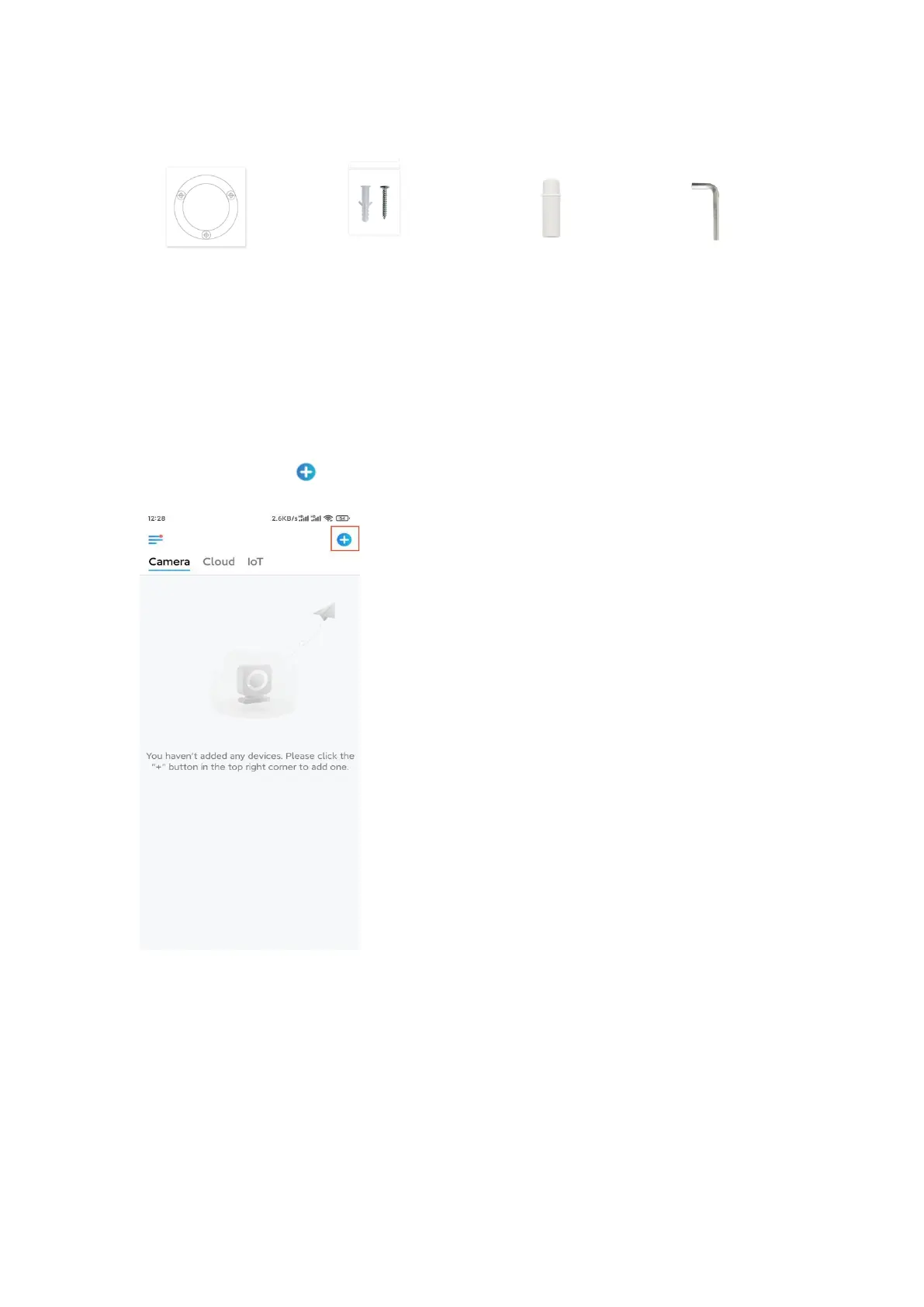
Step 1. Tap the icon in the top right corner.
Note: If you've enabled the Add Device Automatically option on the App's
Settings page, you can tap this device on the Devices page and turn to Step
3 directly.
Step 2. Scan the QR code on the back of the camera. You may tap Light to enable a
flashlight when setting up the camera in a dark environment.
If the phone doesn't respond, please tap Input UID/IP and then manually type in
the UID (16-digit characters under the QR code of the camera). Then tap Next.


 To Next Page