English English7 8
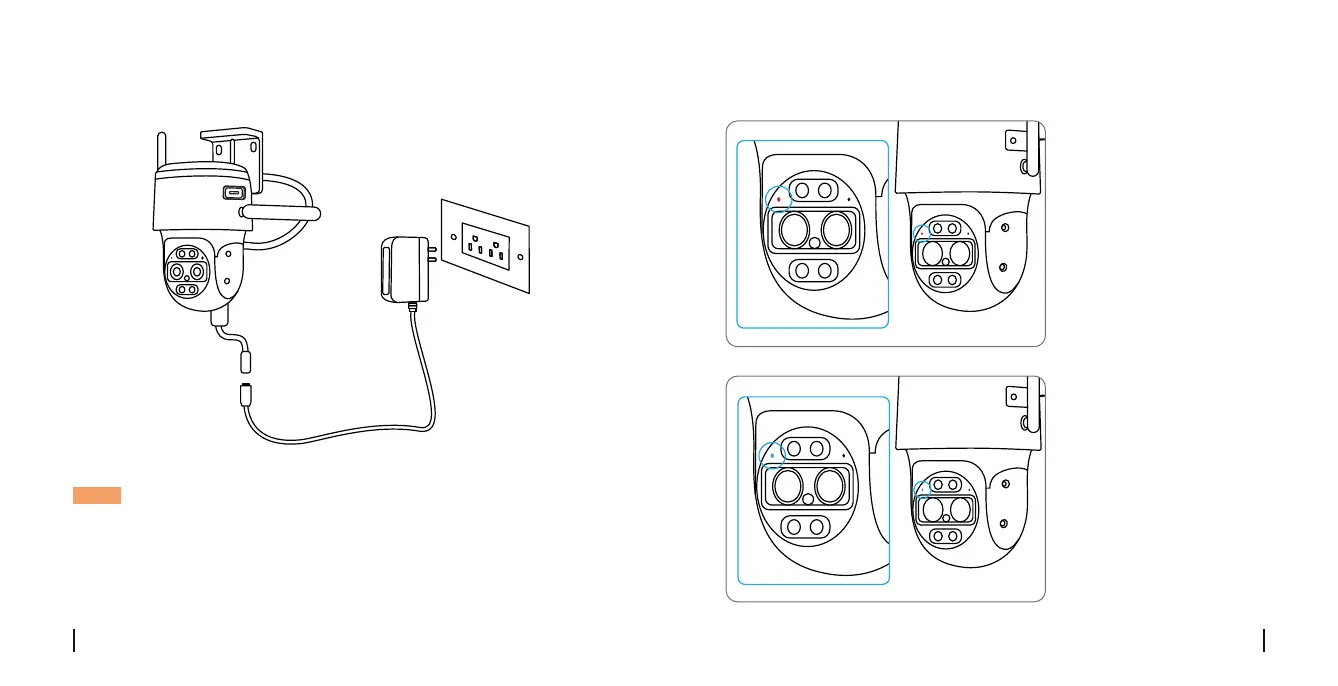
Step 2 Use the power adapter provided to power on the camera.
NOTE: You can connect the camera to your network via an activated SIM
card or an Ethernet cable.
You haven't added any device. Please click
the"+"button in the top right corner to add
Register the SIM Card
With the SIM card
inserted, Wait a few
seconds and a red light
will be on and solid for a
couple of seconds. Then,
it will go out.
A blue LED will ash for
a few seconds and then
go solid before going
out. You will hear a
voice prompt “Network
connection succeeded”,
which means the camera
has been successfully
connected to the network.


 To Next Page
 Loading...