1
2
1 2
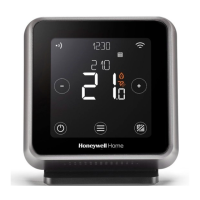
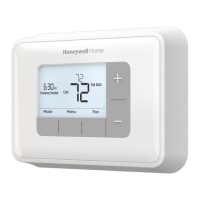
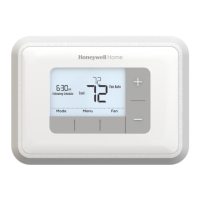
Screen and button overview
Programming the Schedule
Default Schedule
Copy Day
Adjusting the Schedule
1 Programming Menu
2 Settings Menu
3 Alert
4 Room Temperature
5 Current time
6 Heat demand
7 Optimisation
8 Low battery
9 Wireless signal (TTHWFP only)
10 Temperature adjust buttons
11 Standby / Confirm button
12 Auto mode / Manual mode / Copy button
13 Menu / Back button
14 Schedule period
15 Day (1 = MON, 2 = TUE, ... 7 = SUN)
Select day then confirm Select day then COPY Select “TO” day then confirm
1 = MON
2 = TUE
3 = WED
4 = THU
5 = FRI
6 = SAT
7 = SUN
Press MENU
Select period then confirm
Select PROG then confirm
Adjust time then confirm Adjust temperature then confirm
P1 P2 P3 P4
6:30 8:00 18:00 22:30
21°C 16°C 21°C 16°C
3
1
5
4
2
6
1030
0650
TUE 0640 To
0650
TUE
prog
32341899-012 C
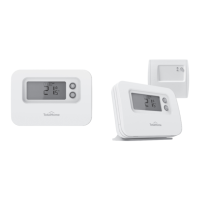
PROGRAMMABLE THERMOSTAT
User Guide
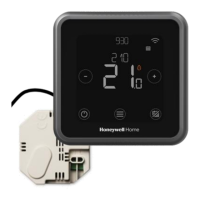
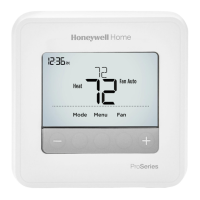
TTHWP, TTHWFP (Room Thermostat / Relay Box)
1030
15
10
14
21 3 5 87 94 6
111213

 Need help?
 General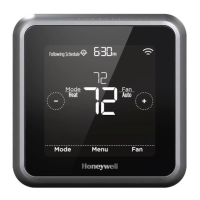


 To Next Page