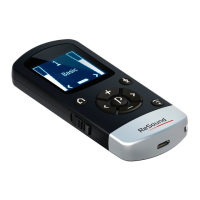
Basic
20 21
3. While pairing mode is activated, close the battery doors
of both hearing instruments and make sure they are ON.
A successful pairing will be indicated by an audible melo-
dy played in both hearing instruments, and shown in the
Remote Control 2 display with active volume bars and
program “1” (see below). You are now ready to use the
Remote Control 2!
Hearing instruments in
program 1
Using optional audio streaming devices
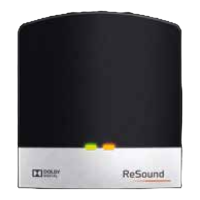
The ReSound TV
Streamer
TM
and the
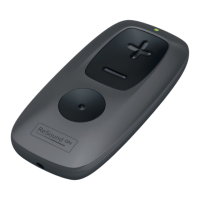
Mini Microphone
TM
are optional audio
and speech stream-
ing devices available
for your hearing in-
struments.
The TV Streamer
streams audio sig-
nals from your TV,
Stereo, Computer, etc. directly in your hearing instruments.
The Mini Microphone streams speech and audio signals directly
to your hearing instruments.
To start audio streaming from the TV Streamer or
Mini Microphone press the streaming button (3 on page 8) on the
Remote Control 2. The hearing instruments will start searching for
your streaming device.


 To Next Page
 Loading...