TV
TV
TV
22 23
Searching for TV Connected to TV
You can have up to 3 streaming devices set up for your hearing
instruments. Each streaming device is indicated in the display by
a letter designation: A, B or C. If more than one streaming device
is in use, press the streaming button again until the desired audio
signal is heard.
No TV found
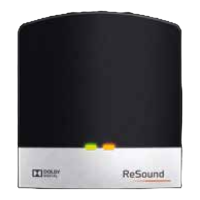
Activating streaming from ReSound Unite
TM
TV Streamer
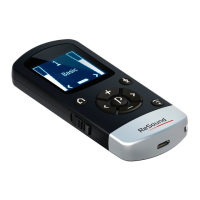
To start audio streaming from the TV, stereo or another de-
vice connected to your TV Streamer, simply turn on the audio
device and then press the streaming button (3 on page 8). The
hearing instruments will instantly start searching for the TV
Streamer and connect to it.


 To Next Page
 Loading...