3) Setting of Prompt Mode
The prompt or reminding mode could be Vibration / Buzzer / Vibration + Buzzer,
touch the “MODE” button by a pinpoint, the pager will show the present prompt
mode and choose which mode you want.
4) Setting of Number Registration
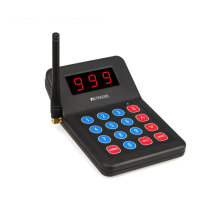
Touch the “Set” key, the pager LED flashing, and then press a number (1~999)+
“ENTER” on the keypad transmitter, when this number is shown on the pager’s
screen, the registration is successfully done. The number could be changed in
the same way.
5) Working test
After learning code, press the number you want to call and the pager LED
flashing, at the same time the pager vibrating, buzzing or vibrating and buzzing.
You can press the【 】button or【Cancel】to stop working.
6) Battey charging
Please keep the pagers on the charger when not in use.
When the pager beeps and blue LED flashing once every second, it needs be
charged.
When the pager is charging, the blue LED flashing one every second, that enter
the state of charger.
When the pager fully charged, the blue LED light on.
If you want to find the pager but they are in charging, please call the number and
you can see the pager red LED light flashing.
7) Clear code
Long press the【Set】button and the Red LED on, when you hear the buzzer
chirping, it means clear code successful.
8) Operation Note
- Each rechargeable base could maximally support 10pcs of pagers.
- One keypad transmitter can maximally work with 999pcs pager. But one pager
just can work with only on keypad transmitter.
3 Common problem analysis solution
4 Packing list
5 Precautions
RF ENERGY EXPOSURE AND PRODUCT SAFETY GUIDE
This radio uses electromagnetic energy in the radio frequency (RF) spectrum to
provide communications between two or more users over a distance. RF energy,
which when used improperly, can cause biological damage.
All Retekess radios are designed, manufactured, and tested to ensure they meet
government-established RF exposure levels. In addition, manufacturers also
recommend specific operating instructions to users of the radios. These instructions
are important because they inform users about RF energy exposure and provide
simple procedures on how to control it.
Please refer to the following websites for more information on what RF energy
exposure is and how to control your exposure to assure compliance with established
RF exposure limits: http://www.who.int/en/
Local Government Regulations
When radios are used as a consequence of employment, the Local Government
Regulations requires users to be fully aware of and able to control their exposure to
meet occupational requirements. Exposure awareness can be facilitated by the use
of a product label directing users to specific user awareness information. Your
Retekess radio has a RF Exposure Product Label. Also, your Retekess user manual,
or separate safety booklet includes information and operating instructions required
to control your RF exposure and to satisfy compliance requirements.
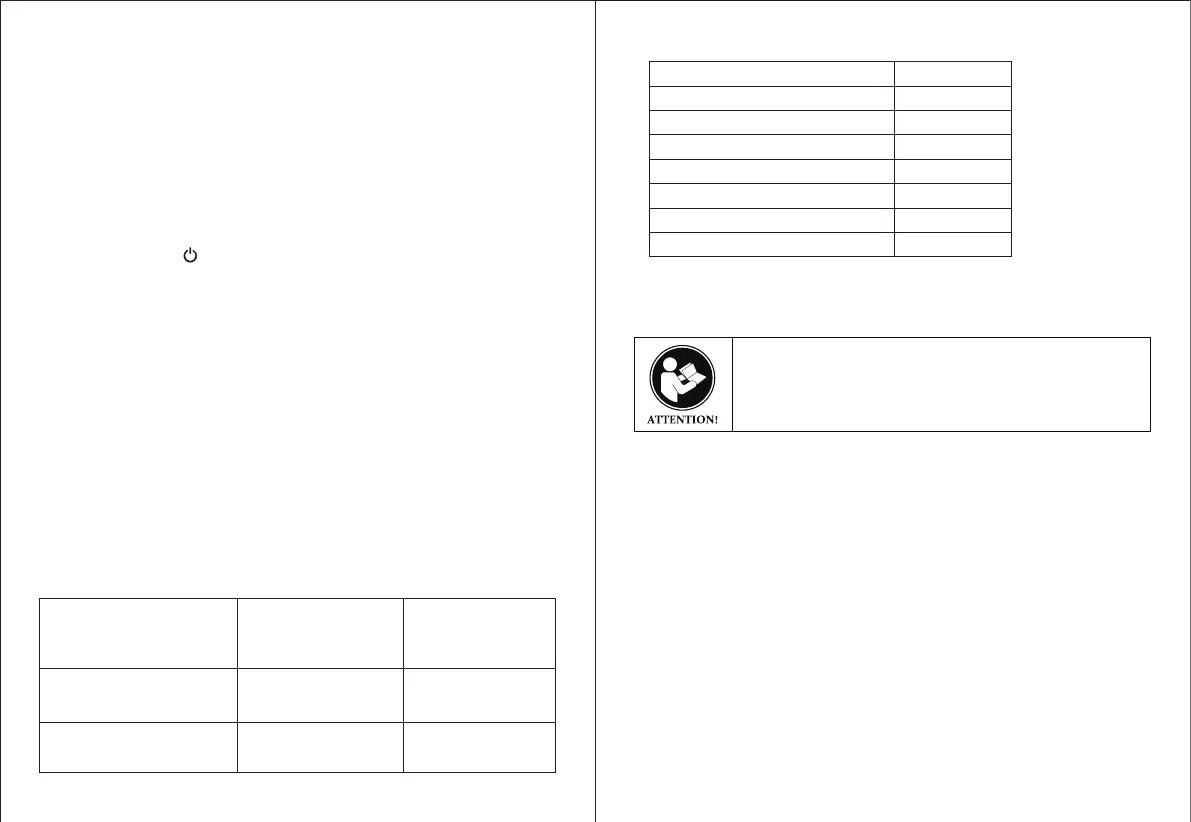
Power on the charger stand
and the LED screen does’t
display
Receiver distance
becomes shortening a lot
The receiver cannot receive
the transmitted signal
The power adapter
failure
Receiver voltage is
too low
No learn code or learn
code error code
Replace the
power adapter
Timely charger
Please re-Learn it
Name
Numeric Keypad Transmittery
Guest Pager
Power adapter 5V/1A
Power adapter 5V/4A
Charging stand
Crystal base
Instructions
Quantity (PCS)
1
10
1
1
1
1
1
Before using this radio, read this guide which contains important
operating instructions for safe usage and RF energy awareness
and control for compliance with applicable standards and
regulations.
3
4


 To Next Page
 Loading...