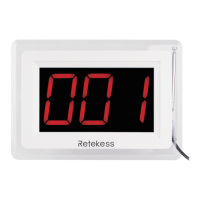
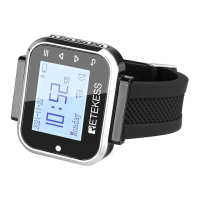
Overview of Watch Receiver
20 16 -1 1- 11
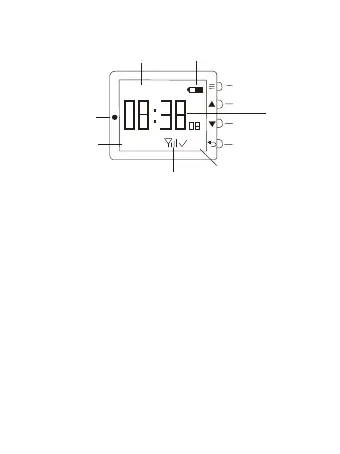
A
Battery Level
Date
Indicator
Light
Week
Signal Status
01
Pager ID
Setting
Up
Down
Time
Back
Staturday
Instruction of Buttons
【Setting】button, long press the button to enter
the setting mode, and short press to enter the
sub-menu.
【Up】button, short press to skip one step to the
last menu, and long press to continuously skip.
【Down】button, short press to skip one step to
the next menu, and long press to continuously
skip.
【Back】button, In standby mode, short press to
clear the current calling information, long press to
delete all calling information. When in the setting
mode, short press to return to previous menu,
long press to return to main interface.
【Indicator Light】: Light a twinkle green when
there is a call; Light turns red when the watch in
1


 To Next Page