4.6 TF Card Play
Choose the icon of ,press【ENTER】to enter TF card playing mode.
Press the TF card icon “ ” to insert TF card.
LCD display: play time/number of songs being played/total number of songs.
Short press【 】&【 】to choose the previous song or next song.
Long press【 】&【 】for fast backward or fast-forward playback.
Short press【ENTER】to pause/play switch.
Maximum support 256G, support MP3,WMA,WAV、APE,FLAC to play the music.
If the TF card is not inserted, the ‘No Device’ message is displayed.
4.7 Alarm Setting
Choose the icon of ,and press【ENTER】to enter alarm setting mode.
4.7.1 Alarm Setting
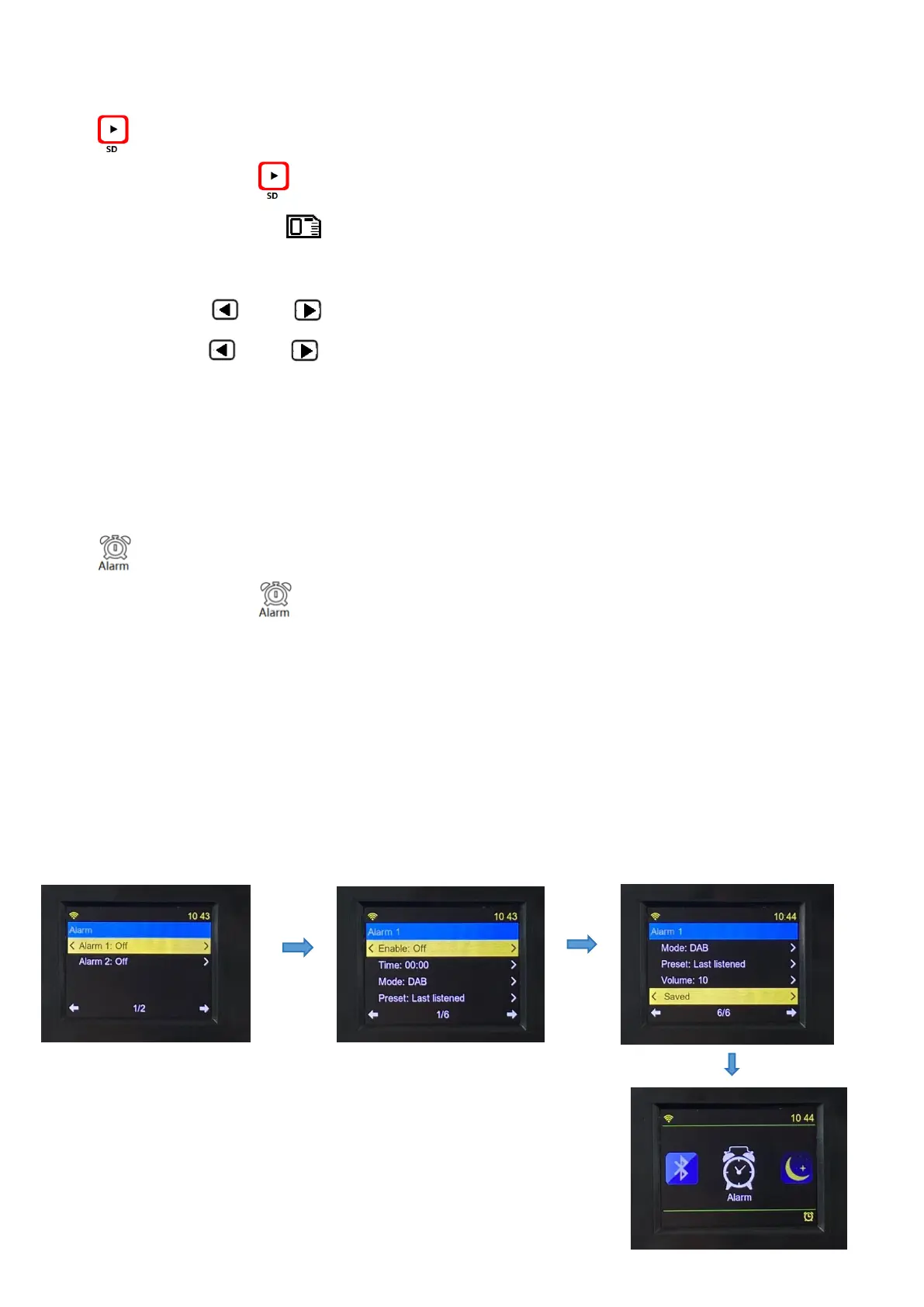
After entering the ‘Alarm Setting’ interface, the alarm is off by default and displayed as OFF. Select
Alarm 1 to enter the setting interface. Remember to save the setting after the setting is complete.
When the alarm clock is turned on, the alarm icon will be displayed in the lower right corner, as
shown below:


 To Next Page