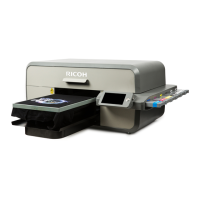
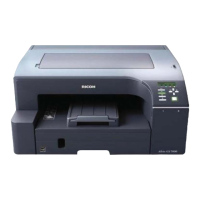
RICOH Ri 1000/1000X Additional manual
5 / 15
2. Check and update firmware and MIM
Check and update firmware.
If your firmware version is older than the following, please update it.
The firmware version of each printer that supports Type G2 White Ink is as follows.
[RICOH Ri 1000]
・Panel (GIB) :Ver1.40
・Sub Control (SCB) :GX231103
・Engine (CTL) :1.16_617:R
[RICOH Ri 1000X]
・Panel (GIB) :Ver1.03
・Sub Control (SCB) :1.10
・Engine (CTL) :1.65_617:R
Please refer to "How to update" for details on how to update the firmware.
Check and update MIM.
If your MIM version is older than the following, please download and perform the update from
the ColorGATE website.
・Where to download
ColorGATE Support site (https://www.colorgate.com/support/)
・The latest version of MIM is as follows.
[RICOH Ri 1000]
PS_Ricoh_Ri1000_Combi-MIM_Ver1.1.cmpz
[RICOH Ri 1000X]
PS_Ricoh_Ri1000X_Combi-MIM_Ver1.1.cmpz
For details on how to use the MIM, please refer to the user manual, etc.



 To Next Page
 Loading...