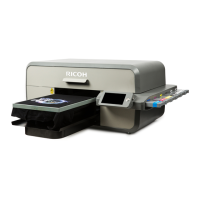
RICOH Ri 1000
Procedure for long-term storage
11 / 22
installation again.
Check if the claw on the side that is not visible in the shadow of the carriage when the
head protection cover is installed is properly engaged.
Removing the head protection cover
1.Check the carriage position.
If the carriage is in a position that makes it difficult to remove the head protection
cover, move the carriage slowly by hand.
2.Open the two pawls on the right side of the head protection cover
outward and remove the pawls from the carriage.
Make sure that the inside of the cap is filled with cleaning liquid.



 To Next Page
 Loading...