RICOH Ri 1000
Procedure for long-term storage
13 / 22
If it is difficult to check the position of the head, use a mirror to check the position.
Installation/removal of head protection cover with cleaning
solution
IMPORTANT! If the amount of cleaning solution to be added to the head protection
cover is not sufficient, or if cleaning solution spills out during installation, the head will
not be protected correctly.
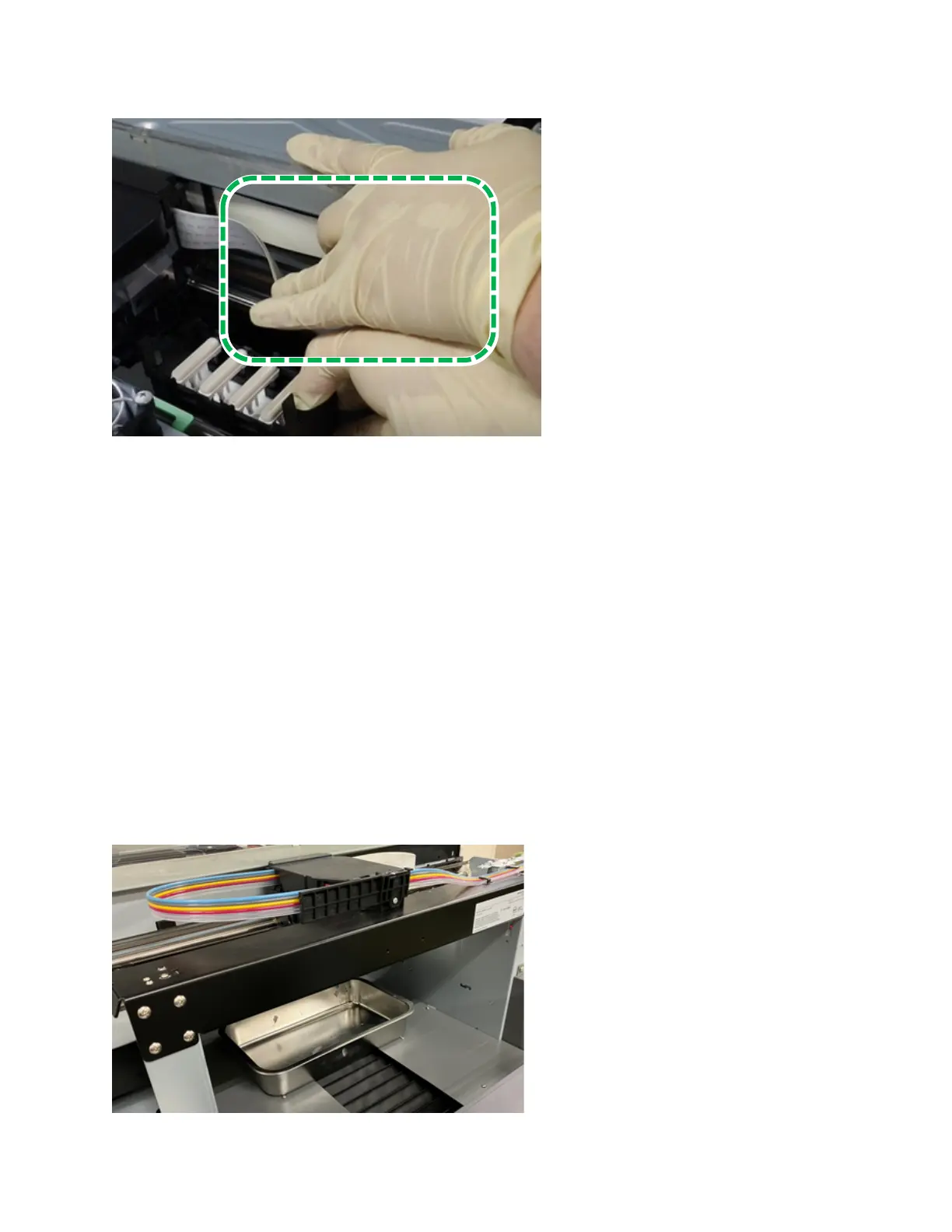
1.Place a tray or paper under the print head.
Paper to prevent ink, lint, and cleaning fluids from entering the machine.



 To Next Page
 Loading...