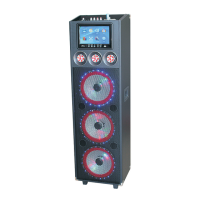
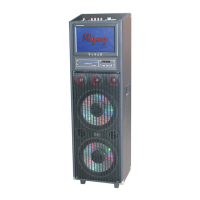
Q S - 1 0 3 0 33 Q S - 1 0 3 0 33
USB/SD operating mode
photo model:
1.the keyboard: key:Return key。 menu:ldentify key,composite pause/paly play。
key:On the mobile。
key:The mobile。
:play/ pause。ENT:ldentify key.
。
:Move up and down
2.Remote control:exit.
ebook model:
1.the keyboard: key:Return key。 menu:ldentify key。
key:On the mobile。
key:The mobile。
ENT:ldentify key.
。
:Move up and down
2.Remote control:exit.
FM :
1.the keyboard: key:Return key。 menu:ldentify key/Automatic searching。
key:Choose a。
ENT:ldentify key.
。
:Move up and down
2.Remote control:exit.
key:Choose a。
setting:
language:The chinese/Englosh bilingual。Boot mode:memory,standby,boot。Close the
backloght:never,
10 seconds/30 seconds/60 seconds/90 seconds。standard:NTSC/PAL。
Product information:software version。Restore the factory settings:set the factory state。
V1/ V2
DPF
USB /SD
ENT
EXI T
MUT E
VOL -
VOL +
MEN U
08
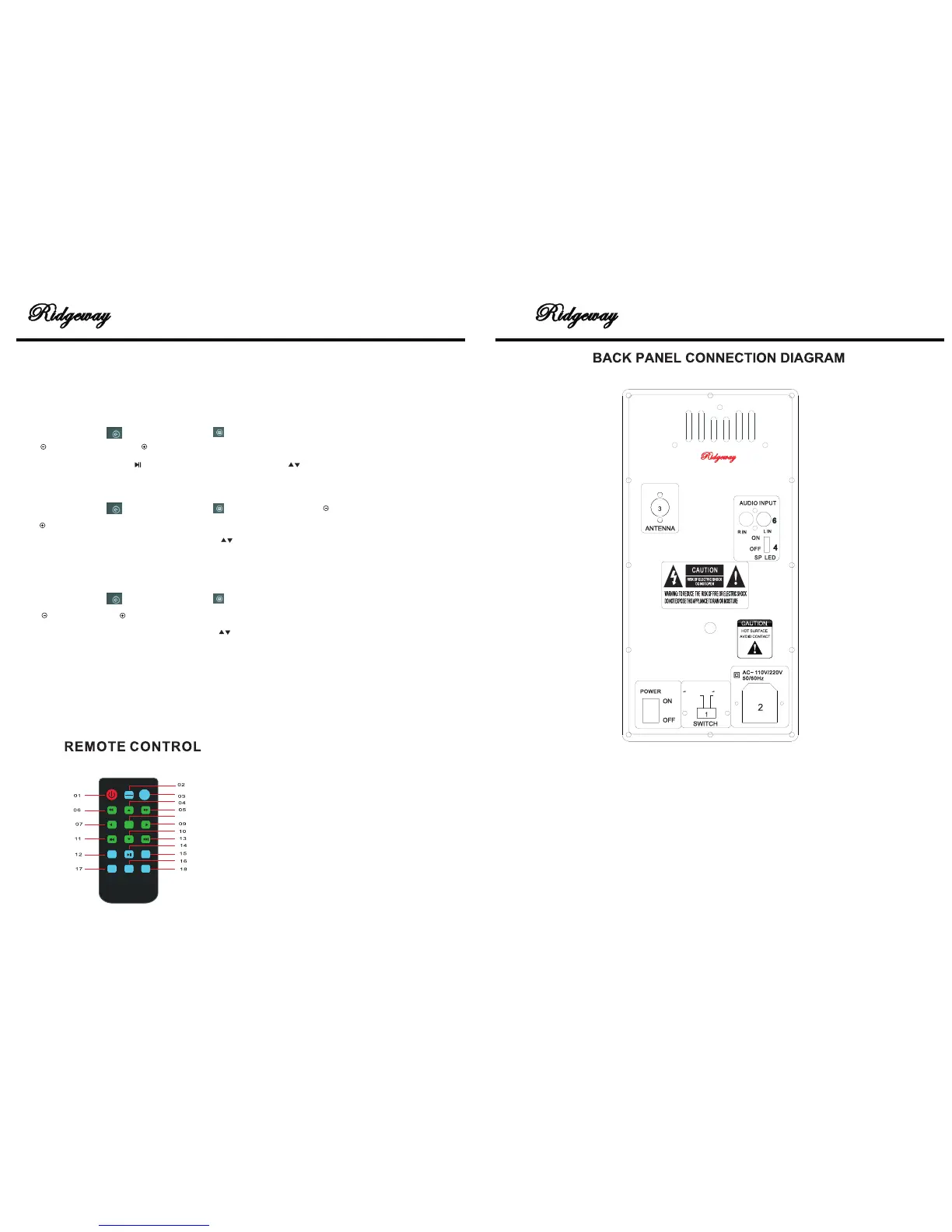
01.POWER
02.The working mode switch button
03.USB/SD switch button
04.04,09,10,07 The direction key
05.Fast forward
06.Retreat quickly
08.ldentify key
11.ln a song(radio)
12.Return key
13.the next song(radio)
14.play/pause button
15.mute
16.menu
17.the volume reduction
18.the volume and
1
1. 110V/220V: ADJUST THE VOLTAGE 110V OR 220V
2. AC~100/240/50~60HZ: CONNECT TO AC POWER,PLEASE BE
SURE CONNECT TO 100V/240V 50- 60HZ. OUTER RANGE
POWER MAY CAUSE ACCIDENT.
3. FM ANTENNA:FM ANTENNA
4. LIGHT POWER:LIGHT ON/OFF
6. AUDIO INPUT:AUDIO INPUT JACK
5. POWER SWITCH ON/OFF
M AD E I N CH I NA KG
M ode l : QS-1 0 3 033
100 V
240 V
5
6


 To Next Page
 Loading...