5. Parameter Modification using CPU HMI
Overview of CPU Menu Structure
The PR-12, PR-14, PR-18, PR-24, PR-26, EXM-12, ELC-12-
N and ELC-22-N have the same menu structure. We will
use a PR-18 in the following examples.
Parameter Assignment Mode
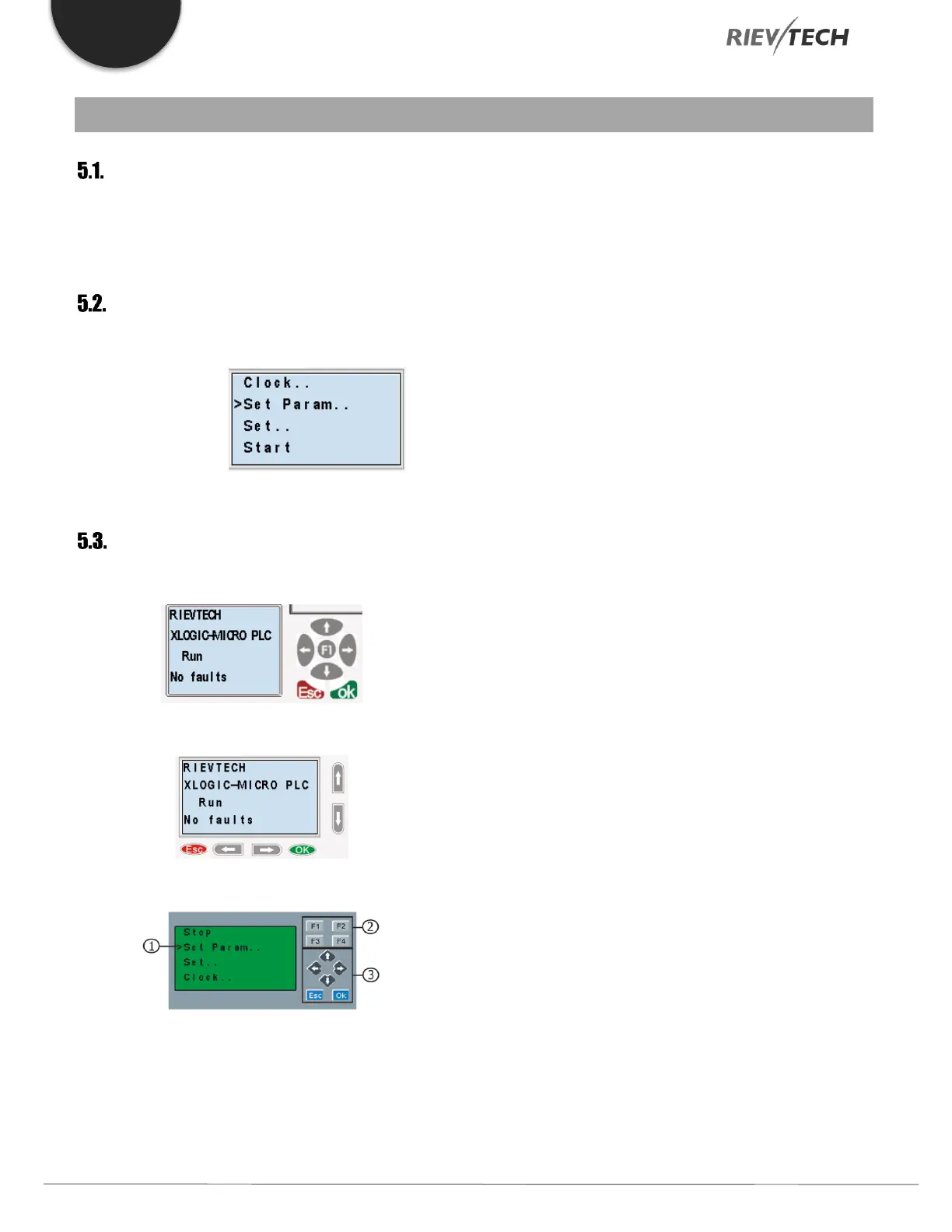
Parameter assignment menu:
Figure 31 CPU Parameter Menu
LCD Panel Instructions
PR-12 Series CPU
PR-18 Series CPU
ELC-22 and PR-24 series CPU
1. Display Area – 4 x 16 characters can be displayed
2. 4 Function Keys – Only on models ELC-22-N and PR-
24 Series CPUs.
3. 6 Panel Keys – Used to navigate menu and view alarm
messages.
This panel allows the user to carry out the following tasks:
Display the RUN/STOP status of the CPU
Display/modify the Clock
Display IO status of CPU and expansion units
Display alarm messages
Display program register values
Modify some types of register parameters
Control of backlight using the program, Light on
Alarm for example
Initial system display message can be customized
Up to 64 different alarm messages can be
displayed
Modify the CPU ID address
Set password protection
Change communication parameter for COM ports



 To Next Page