Programmable Relay ● User Manual for ELC, EXM and PR Series 90 2020 v6.0 ● © Rievtech Co.,
Ltd. ● www.rievtech.com
This section provides you with a brief overview of input
designations and with some particular background
information on SF’s. The SF’s, in particular, are
described in Chapter 5.5
Designation of the Inputs to Blocks
Logical inputs
Here, you will find the description of the connectors
you can use to create a logical link to other blocks or to
the inputs of the xLogic unit.
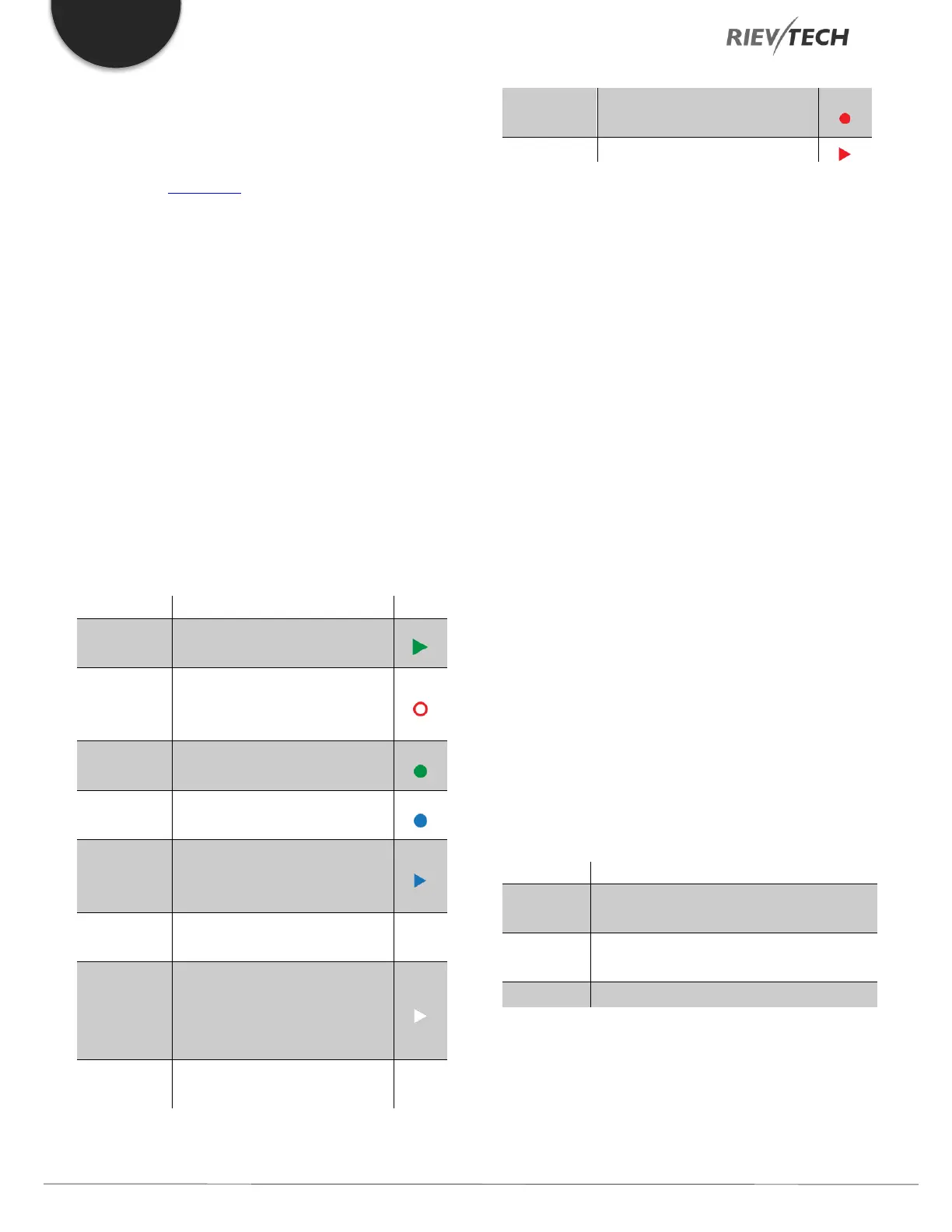
Table 19 Logical Input types
A signal at input S sets the
output to logical “1”.
The reset input R takes priority
over all other inputs and resets
the outputs.
This input is used to trigger the
start of a function.
This input is used for counting
pulses.
Frequency signals to be
evaluated are applied to this
input.
This input determines the
direction of count.
En (Enable)
or
Validation
This input enables a block
function. When this input is “0”,
other signals to the block will
be ignored.
A signal at this input inverts
the output signal of the block.
All internal values are reset.
Parameter inputs
For some of the inputs, you do not apply any signals. You
configure the relevant block values instead. Examples:
Par (Parameter):
This input will not be connected. Here, you set the relevant
block parameters (times, on/off thresholds etc.).
No (Cam):
This input will not be connected. Here, you configure the
time patterns.
P (Priority):
This is an open input. Here, you define priorities and
specify whether a message is to be acknowledged during
RUN time.
Time Response
Parameter T
In some of the SFs it is possible to configure a time value
T. When you pre-set this time, your input values are based
on the time base set:
Accuracy of T
Because of slight tolerances in the characteristics of
electronic components, the set time T may deviate. The


 To Next Page
 Loading...


