How do I set up the Bluetooth scanner?
Initial Configuration
1. Fit the batteries (supplied)
2. Press the trigger and scan the set up codes 1 to 8 overleaf in the correct
order. (The scanner will beep after reading each barcode)
3. Press the trigger to scan code 9, this will cause the light to start flashing
blue.
Rigel 288+/Rigel Uni-Sim
1. Turn the Rigel on and select Menu -> SETUP -> Bluetooth Favourites
2. Highlight the Barcode field and press Setup
3. Press Search to scan for local Bluetooth devices. (hint: it helps if the
scanner is the only Bluetooth device turned on at this time)
4. Select the scanner in the New field (look for the device named “OPL-
2724_ . . . . . ”)
5. And then press Add New.
6. Press OK to accept the new barcode setting, then press OK again to save
the new Bluetooth configuration.
Turn on
1. Turn the scanner on by pressing and holding the trigger for at least 5
seconds. The light under the trigger will flash blue, indicating that the
scanner is ready to make a Bluetooth connection

 Need help?
 General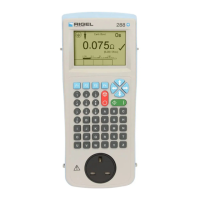

 To Next Page