RigMaster Service and Repair Manual
Document # S260909
Copyright RigMaster Power by Mobile Thermo Systems Inc. 09-28-09
S2.6 Generator Drive Belt
To replace the generator belt, the air conditioning compressor belt must be removed
first.
PROCEDURE:
1. Remove the generator cover using a 7/16 socket.
2. Remove the bottom cover plate using a 7/16 socket.
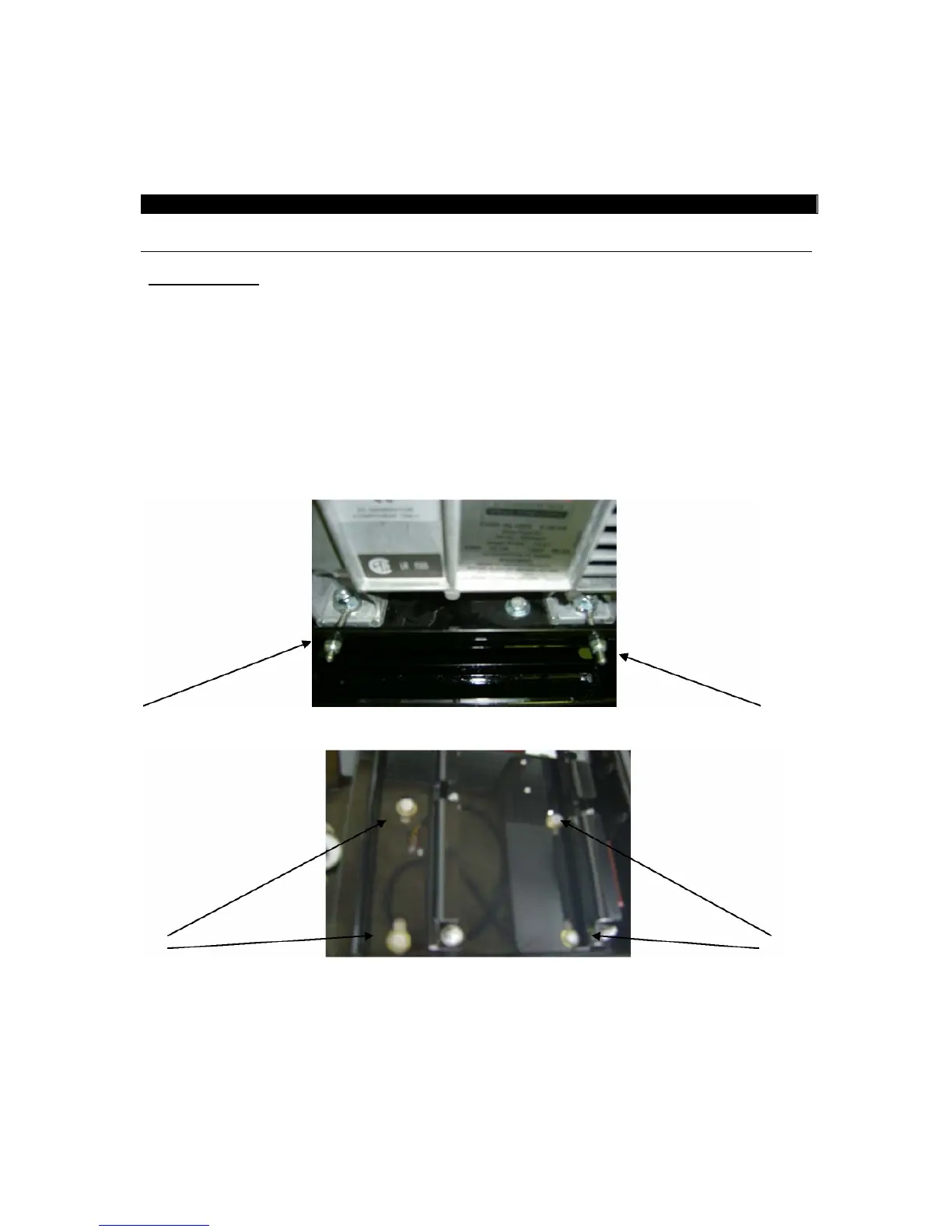
3. Loosen the two 1/4 hex nuts on the generator adjusting bolts (A).
4. Loosen the four 9/16 generator mounting bolts (B).
5. Slide the generator towards the engine then remove the belt.
6. Install the new belt.
7. Tighten the two (2) 1/4” hex nuts evenly until the belt is tight making sure the belt is
straight.
8. Install the generator cover & the bottom cover plate.


 To Next Page
 Loading...