3. UPDATE
from stove software version V2.29 (images may differ)
Execute UPDATE to
use FIRENET.
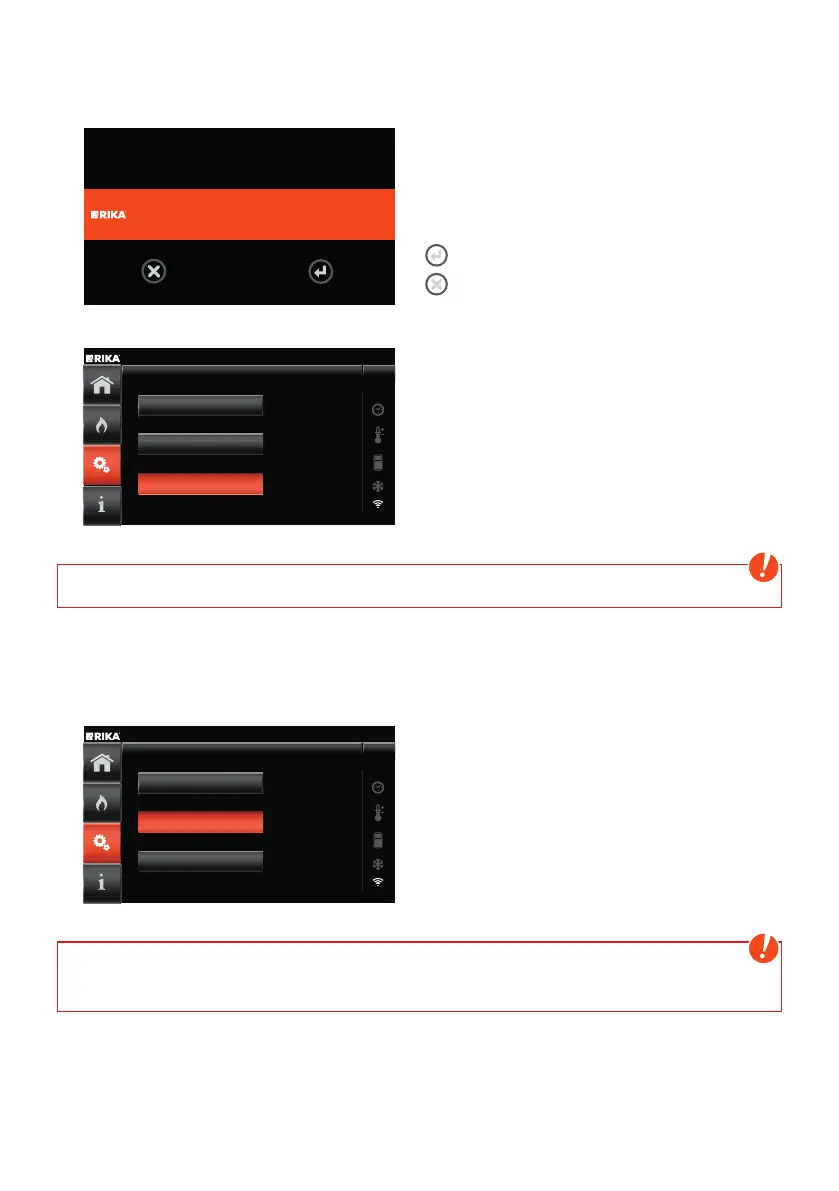
RIKA renet UPDATE
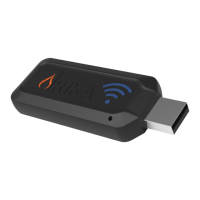
When connected to the RIKA firenet module,
the stove can request an update.
Follow the instructions on the screen.
Confirm update
Cancel update
RESET
FIRENET 2ND GEN
Su 30.04.2023
15:55
UPDATE
Networkscan
Select menu item to search for new RIKA
firenet updates.
For installation follow the instructions on the
screen.
Note
Do not disconnect the module during update!
4. RESET
from stove software version V2.29
RESET
FIRENET 2ND GEN Su 30.04.2023
15:55
UPDATE
Networkscan
Resets all WLAN settings to factory settings.
Follow the instructions on the screen.
Note
With oven software version ≤ V2.27, no RESET may be carried out, otherwise the connection to
the FIRENET portal (www.rika-firenet.com) will be interrupted !
40


 To Next Page
 Loading...