7. SETTINGS
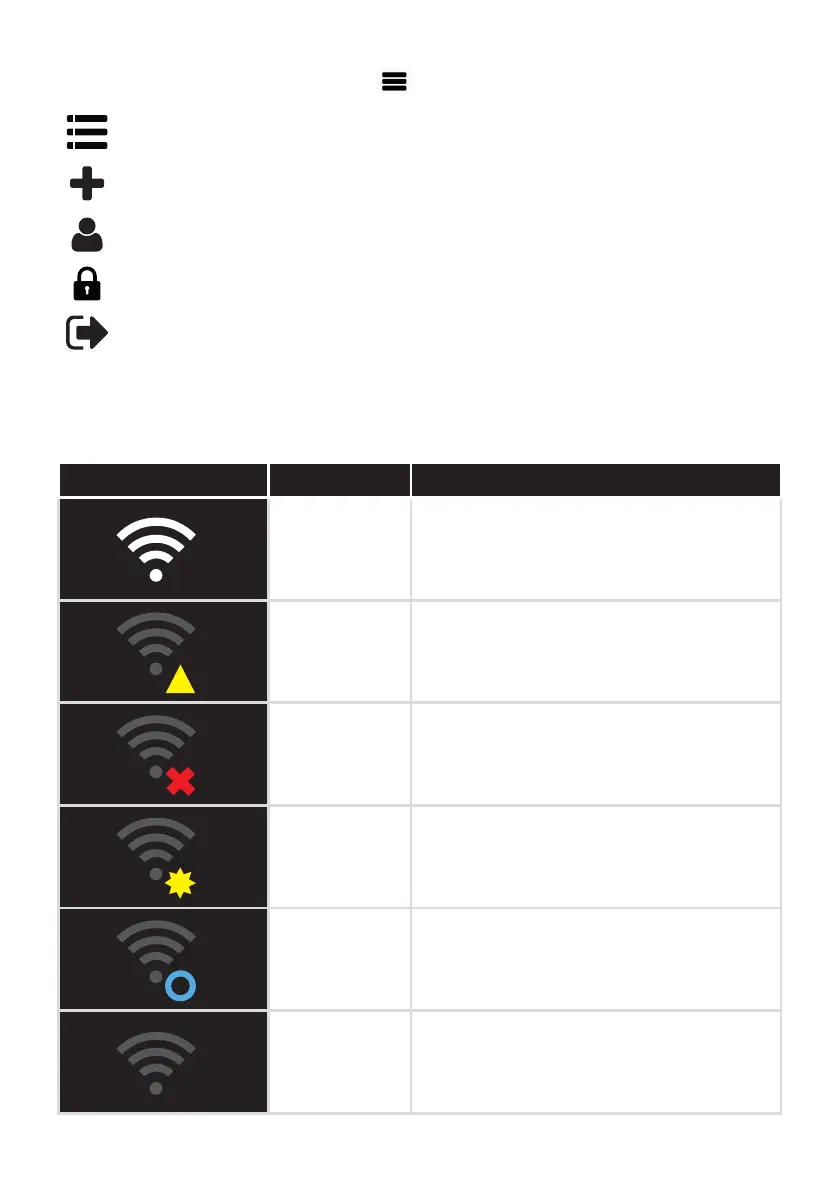
„Settings“ menu can be opened with the button at the top, far right.
Summary Selection of the controlled stove. Possibility to edit a stove.
Add stove Add more stoves to your user account.
Manage account Change personal data.
Change password Change the current password.
Log out
Logout from RIKA firenet.
8. STATUS INDICATORS OF THE WLAN CONNECTION
All status indicators are displayed in the Active Info.
Display on the stove Meaning Action
Signal strength,
normal
operation
RIKA firenet is active.
Connection to
internet lost
Please check your Internet connection, get in
contact with your internet provider.
RIKA firenet OFF
Switch RIKA firenet ON.
The stove is not connected with WLAN. The
display area shows the status „offline“.
No network
found
No network stored: start the network search
Stored network not found: check the access
data.
Connection Follow the instructions on the screen.
Offline
operation
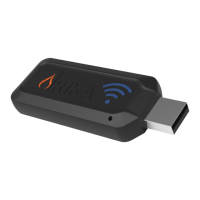
RIKA firenet module is not connected to the
stove. Check the connection of your firenet
module. Update the RIKA firenet with the
firenet updater. Module is possibly defective.
42


 To Next Page
 Loading...