5
Charge the provided battery.
First, fully charge the battery by plugging
it into a USB power source using the
provided orange cable.
The battery is fully charged when just one
LED is lit.
Download the Ring App.
The Ring App walks you through setting
up and managing your Ring Cam.
Search for “Ring” in one of the app stores
below, or visit ring.com/app
= Charging = Charged
Set your sights on home.
At Ring, we invent products that help
make neighbors (our customers) feel safer.
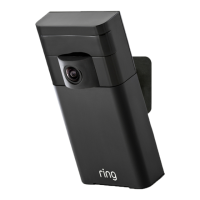
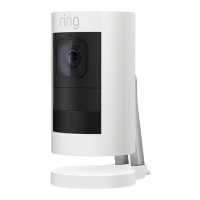
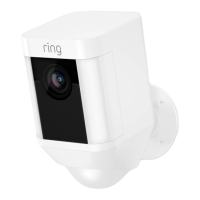
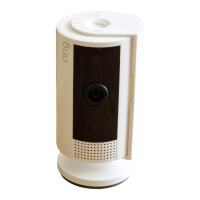
We created Stick Up Cam to keep you in
the know when you’re away. With a wireless
design, this camera goes anywhere you
want, so you stay connected to home—
inside and out.
Jamie Siminoff
Founder and Chief Inventor
j@ring.com



 To Next Page
 Loading...