GET STARTED English
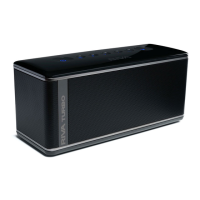
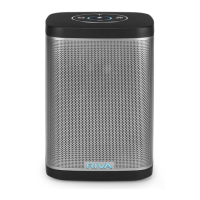
1. Turn ON the unit by sliding the BATT switch to green.
2. Press Power button for 1 second and wait a few seconds for the startup tone.
3. Find “RIVA S” on your Bluetooth® setting and connect.
4. Download the RIVA Audio app for iOS and Android™ to remotely control your
RIVA S.
Please read the user guide on support.rivaaudio.com to experience all RIVA S features. RIVA recommends you play the S for 3 hours at 50% volume to “break in” the speakers for maximum acoustic performance.
owPer
Microphones
Mute
Volume Up/Down
S
Trillium
TM
Surround
Input


 To Next Page