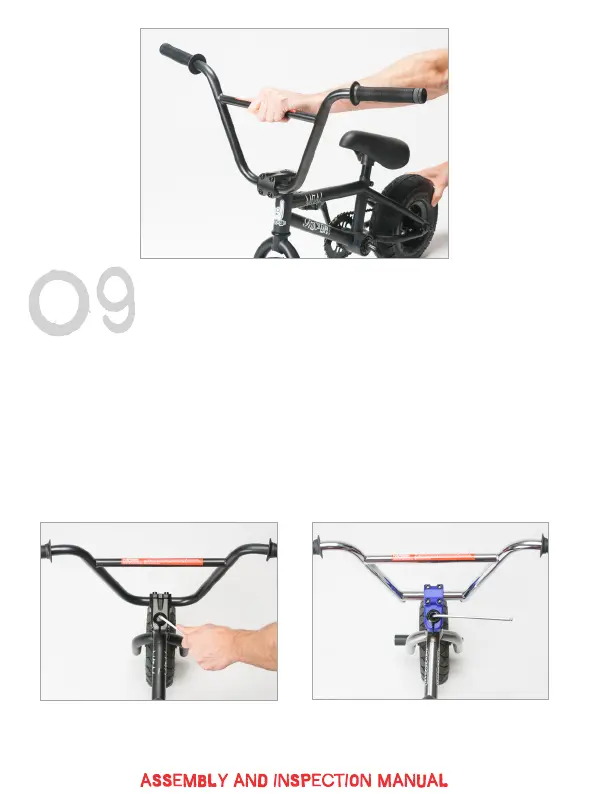
If there is excessive play, you can remove it by lightly tightening your
headset pre load bolt (stem pinch bolts MUST be loose during this
operation then re-tightened to check for headset play).
Irok+ and RKR 3+ pre-load bolts differ from each other. You will be able to
clearly see the hex for the Irok+ pre-load bolt after removing the dust cap.
The RKR 3+ features a hidden hex key for a smooth, clean look. This is
situated at the bottom of the recessed area of the pre-load bolt. You will
be able to reach it with a long 6mm Allen key.
Once any ‘rock’ has been dialled out from the headset, check your bars
turn freely left to right, then tighten your stem pinch bolts nice and tight.
irok+ R3+


 To Next Page
 Loading...