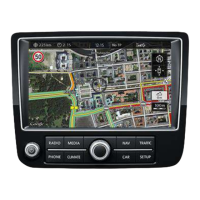
MAP UPDATE INSTRUCTIONS FOR VW RNS 850
Written Q1 9201 – Version 1
10
|
P
a
g
e
MAPs Activation:
Caution: DO NOT insert the SD card"ACTIVATION PACK" Before the MAPs!
Use the "ACTIVATION PACK" card ONLY after complete MAP update!
Caution: DO NOT press any RNS unit buttons during the Activation process!
The RNS850 unit will REBOOT ITSELF during the Activation process!
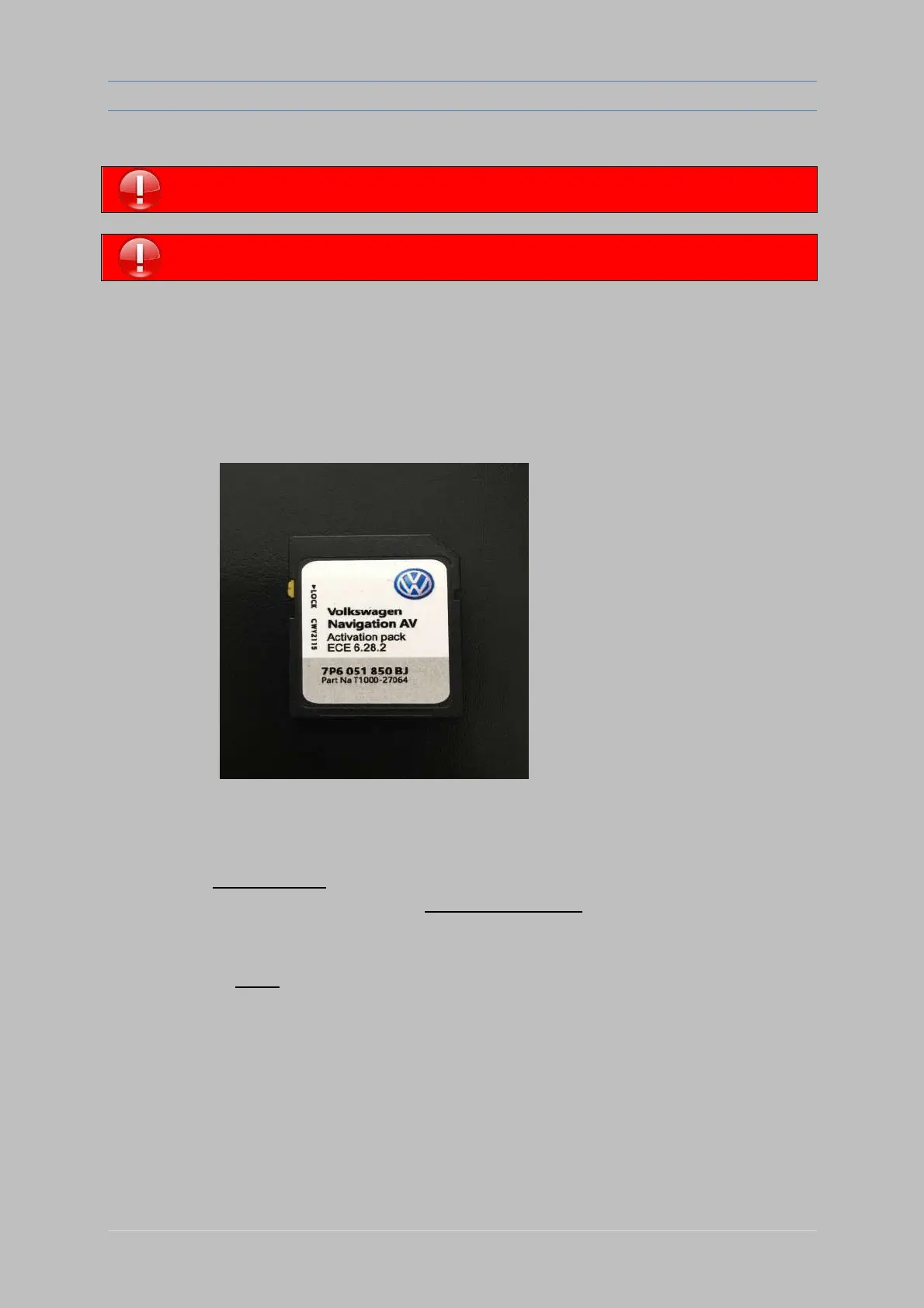
Prepare the SD card "7P6 051 850 JB " Activation Pack , (Looks like this picture below) :
Make sure that the RNS is fully booted .
Wait at list 5 mins..........
Wait until all options are OK (no options in gray) even when
all options are OK wait a minute more.
The RNS unit SD slots MUST be empty!
A. Switch Ignition ON.
B. Wait 2 minutes until it’s fully loaded
C. Insert SD card ( Activation Pack) into "slot 1"
D. Wait........ DO NOT TOUCH any buttons!!!
E. Wait for about 2 minutes, until RNS unit WILL RESTARTS ITSELF
(the screen will OFF itself and will ON after few seconds)
*** if nothing happens, eject SD card and re-insert it again, and start from step "C"***
F. Eject SD card AFTER the unit RESTARTS and enjoy your activated maps!


 To Previous Page
 Loading...