START UPDATE SOFTWARE THE WITH
Written Q1 9201 – Version 1
3 | P a g e
Update the Software first:
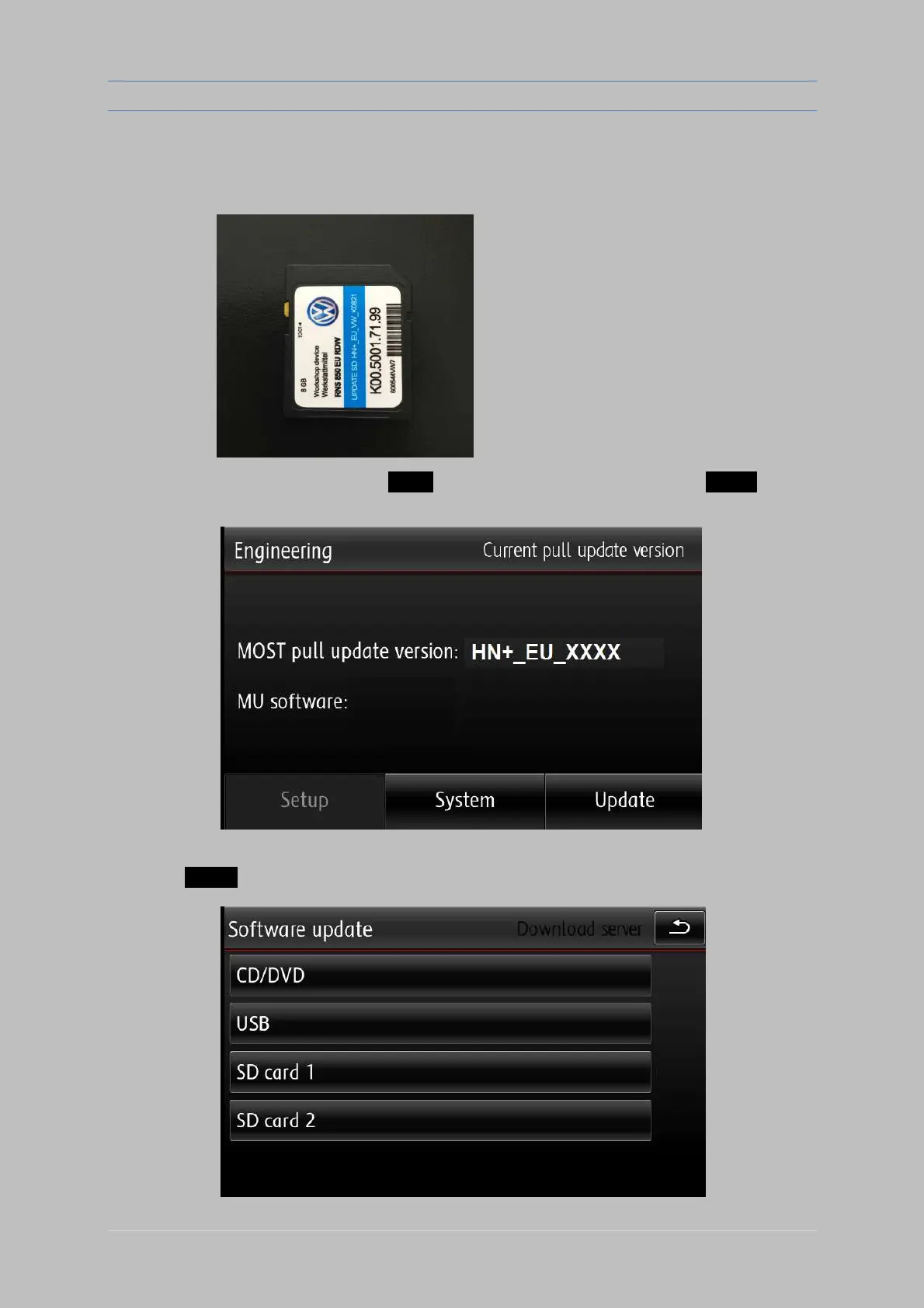
Insert the Software SD card (looks like picture below):
Open “Engineering Menu” pressing the SETUP button and immediately after that the PHONE button.
Hold both buttons pressed for a few seconds.
Insert the SD card" HN+_EU_VW_K0821 " with the Software in slot 1
Press the “Update” option using the touch screen. Select the source in the menu (SD 1).


 To Next Page