3
1 2
3
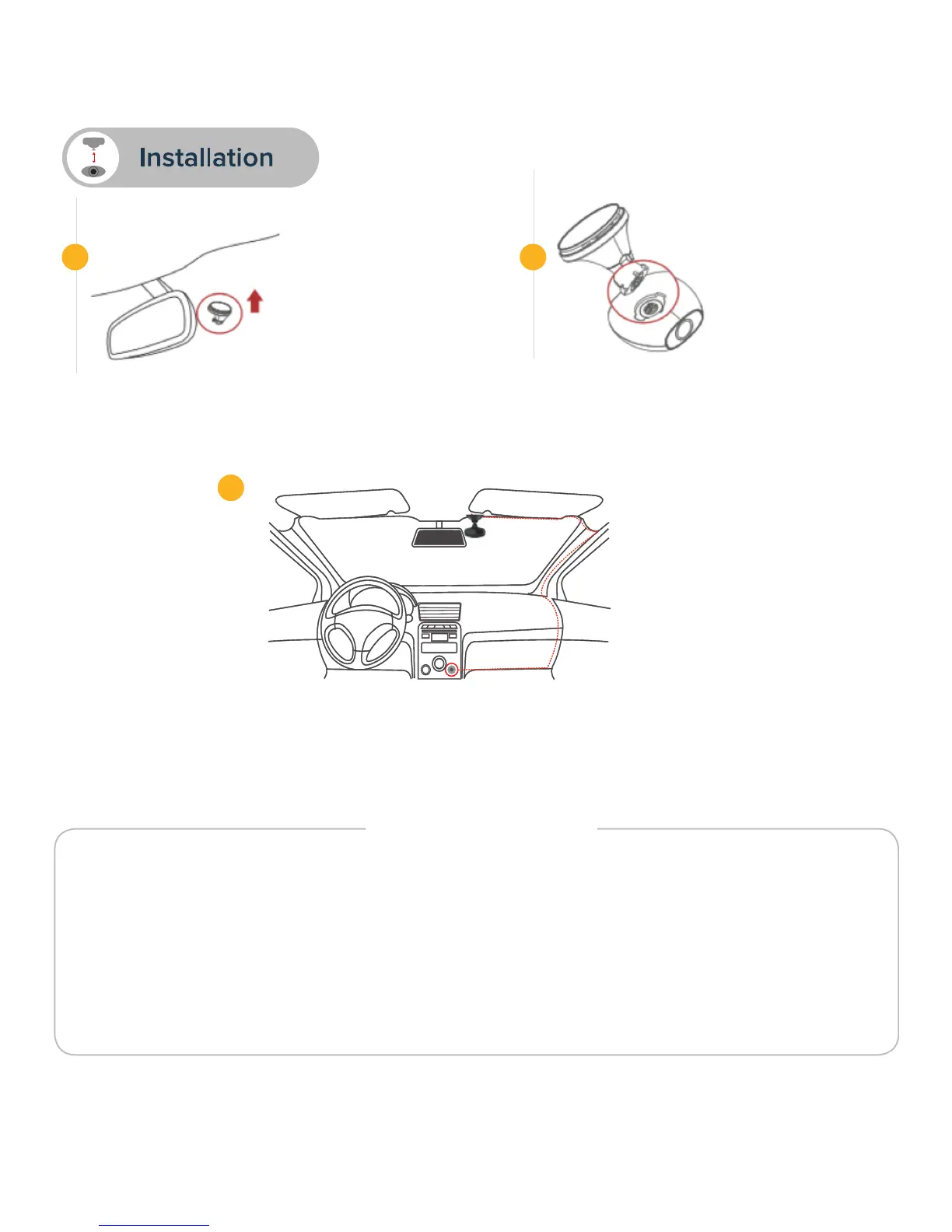
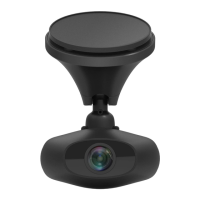
• Mount recSMART dock
onto the car windshield
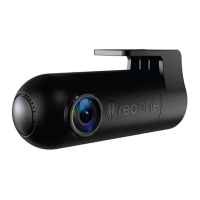
• Place the recSMART
onto the magnetic mount by aligning
the magnetic surfaces.
• Connect the USB power cable to the Micro USB port on the recSMART dock,
carefully hide the cable up to your cigarette lighter and plug it into the power adapter.
Start your vehicle, recSMART will turn on and start recording.
• recSMART requires a microSD card to record videos and take photos
(8GB microSD card included and pre-installed)
• recSMART supports Class 10 microSD cards up to 128GB
• recSMART can turn on and charge using vehicle power
• Do not insert or remove microSD card while recSMART is activated
• Only plug the USB cable into the cigarette lighter adapter
• Do not place the remote button on the airbag compartment
IMPORTANT


 To Next Page